
Adelaide Marriages Registry Office Wedding Ceremony The ceremony took place in the newer ceremony space at the Adelaide Marriages Registry Office, and it suited Brianna and Alice perfectly. The room itself feels modern and light, with clean lines and a softness that works beautifully for photography. Natural light filtered through gently, creating an atmosphere that […]
I’ve photographed hundreds of weddings with professional cameras, backups for those cameras, and a lot of experience behind the lens. Phone photography will never replace a professional wedding photographer — and it shouldn’t — but I firmly believe the best camera in the world is the one you actually have in your hand.
If you’re a wedding guest planning to take photos on your iPhone, a little prep goes a long way. This guide shares the same practical advice I rely on myself when shooting casually at weddings — capturing moments respectfully, without getting in the way of the professionals hired to do the job properly.
Before You Take a Single Shot
Before we get into any settings or shooting tricks, let’s run through a quick checklist. Nothing technical here – just basic stuff you want to sort out before you’re in the middle of a ceremony.
- First, clean your lens. Every time. It’s wild how many iPhone wedding photography fails start with a fingerprint or pocket lint blurring everything. A microfiber cloth is ideal, but honestly, even a soft cotton shirt works if you’re careful.
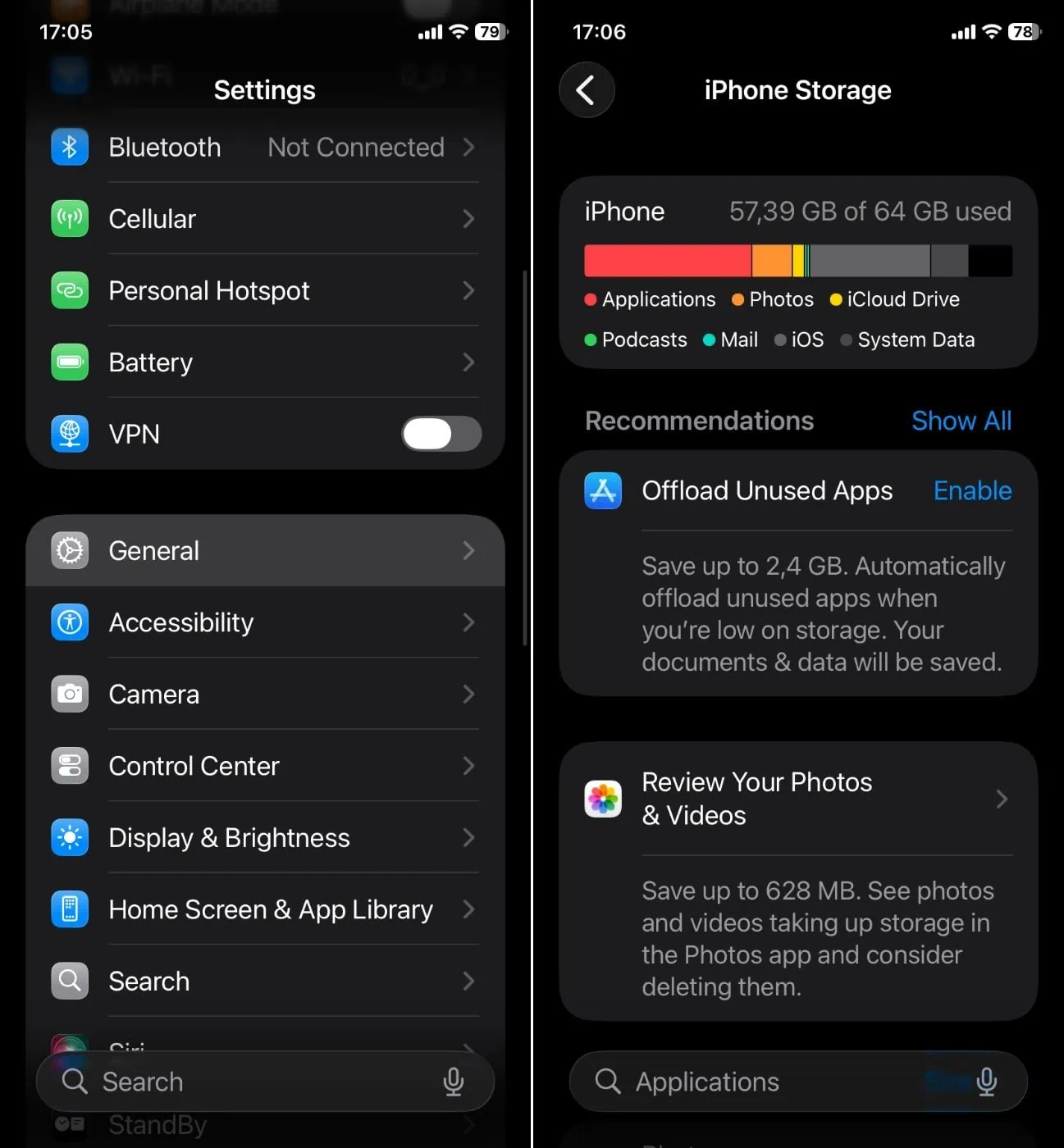
- Next: storage. Check how much space you’ve got left. Open Settings > General > iPhone Storage and take a look.
 If it’s under 10 GB free and you plan to shoot a lot (especially in ProRAW or Live Photo mode), clear out what you don’t need. You can go the manual route – delete old videos, offload unused apps, clean up your Files app, or let an app help you out. The list of best iPhone cleaners on the App Store is long, but one great free iPhone cleaner app we usually use ourselves is Clever Cleaner. It’s free, doesn’t throw ads at you, and does a solid job of finding junk: duplicate/similar photos, oversized files, forgotten screenshots. It’s a smart thing to keep an app like that on your phone anyway – you never know when you’ll need to free up space on the spot to grab one more set of photos.
- Battery’s next. Charge to 100% the night before and bring a small portable charger if you’re staying all day. Wedding days stretch out. You might start snapping during hair and makeup and still be going during the sparkler send-off. Don’t rely on the venue having an outlet in the right spot.
- It’s also smart to restart your iPhone that morning. It clears memory, refreshes background processes, and can help the camera app run smoother. Doesn’t take long, but it helps.
- One more thing: check how quickly you can get into the Camera app. From the Lock Screen is fastest (swipe left or long-press the camera icon). If you’ve got an iPhone 15 Pro or newer, set the Action Button to launch the Camera. Don’t wait until the vows to find out it’s still mapped to Silent Mode.
This kind of prep doesn’t take more than 10 minutes, but it can save you from a lot of trouble later.
Best iPhone Settings for Wedding Photos
Now here’s a setup we use ourselves when shooting wedding photos on iPhone, whether we’re guests or filling in for the couple when the photographer’s running late.
HDR (Smart HDR)
Leave this on. It kicks in automatically on most newer iPhones, but it’s worth double-checking. HDR blends multiple exposures into one image, which helps keep the white dress from turning into a glowing blob and keeps the groom’s dark suit from disappearing into shadow. Make sure it’s toggled on in your Camera settings.
Now, not everyone’s a fan of how HDR looks on iPhones (some say it can feel a bit processed), but in wedding settings, we’ve found it helps way more often than it hurts.
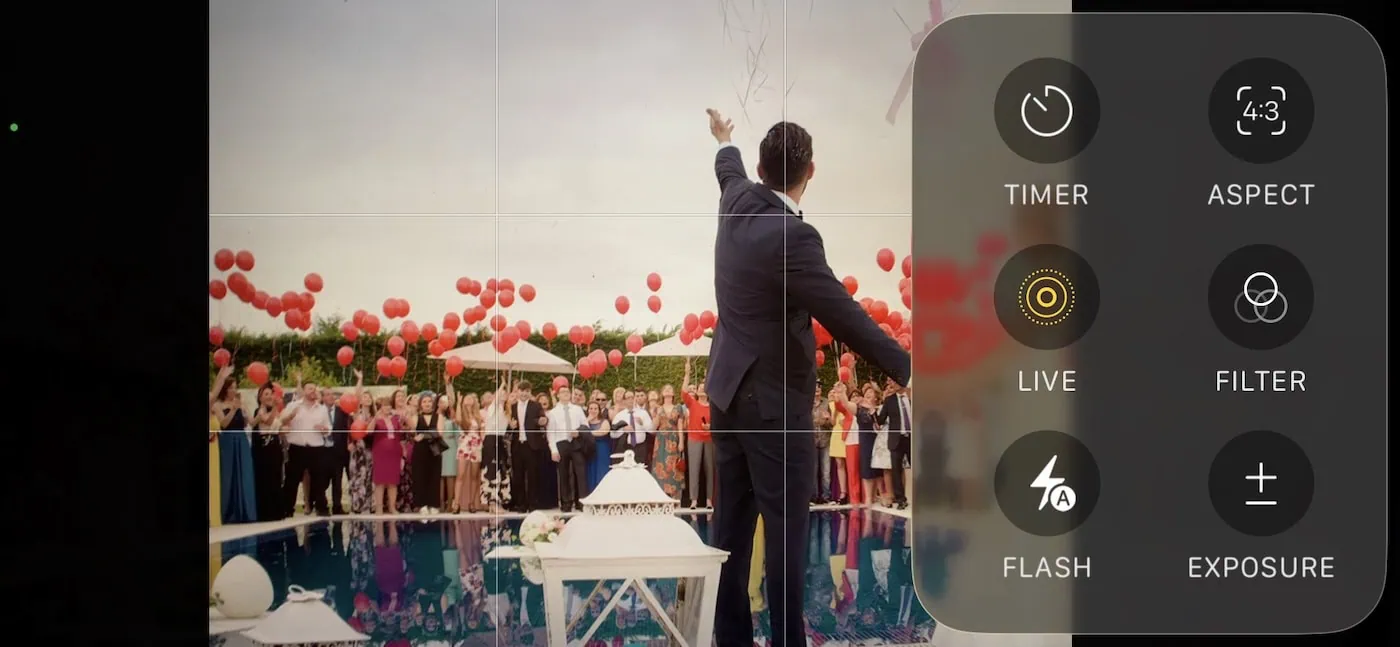
Live Photos
Keep Live Photos on for the ceremony and key moments – like entrances, hugs, or reactions. It captures 1.5 seconds before and after each shot, so you can go in later and pick a better frame if someone blinked. You won’t use it for every photo (you can tap the Live Photo icon to toggle it off when needed), but it saves more shots than you’d expect.
Also, if you’re planning to make short highlight clips for the couple later, those Live Photos can come in handy.
Grid
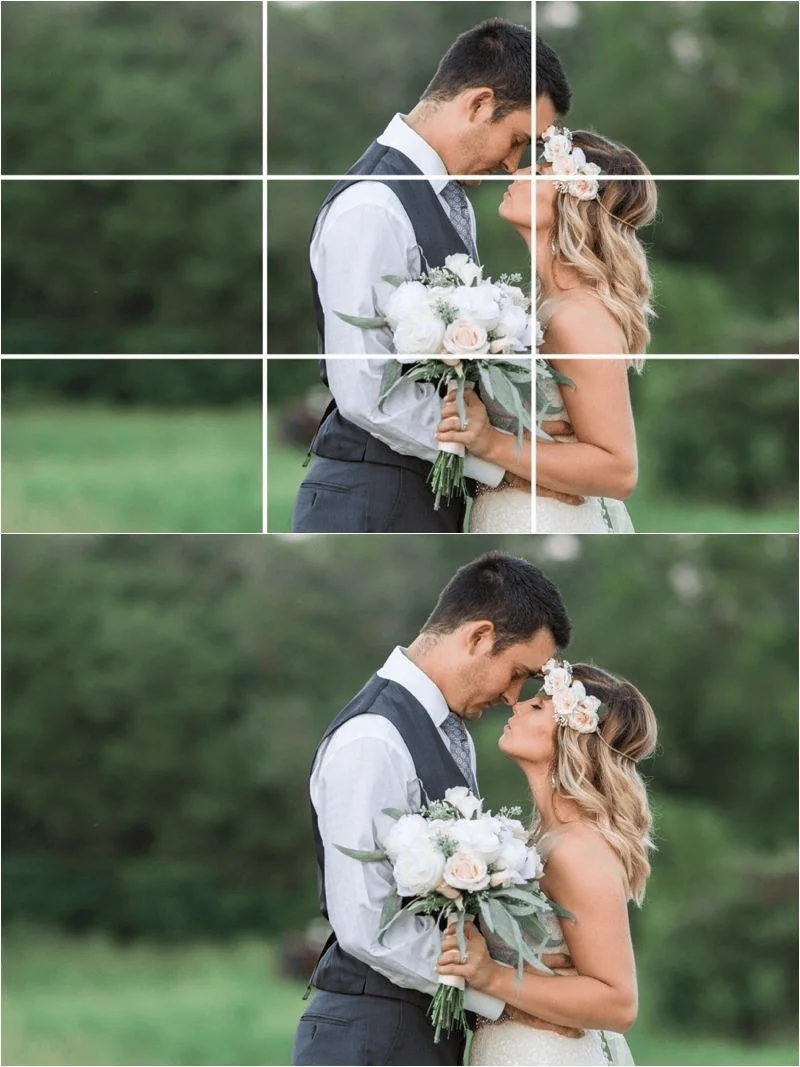
Turn the grid on in Settings > Camera. You’ll catch yourself tilting less, and your framing will look less accidental. It also helps you apply the rule of thirds without overthinking it.
If you don’t know what “rule of thirds” actually means, this is it. See that top image? The grid breaks your frame into nine equal parts. Placing your subject where the lines intersect (like this couple’s heads in the upper third) makes the photo feel more balanced. It pulls the eye in more naturally than just centering everything.
Don’t worry if it sounds abstract. Open Pinterest and search “rule of thirds wedding photography” and you’ll instantly see what we mean.
Portrait Mode
You can switch between Portrait and regular Photo mode by swiping in the Camera app, or just tapping the label above the shutter button. Easy enough. But the important part isn’t how to switch – it’s when to use it.
Portrait Mode works best when there’s decent lighting and a clear subject. Think close-ups of the couple, solo shots of guests, or detail shots like the bouquet or the rings. It gives you that nice soft background blur and keeps the focus tight on your subject. That depth effect instantly makes a photo feel a little more intentional.
It’s not perfect, though. In low light, or when the background is busy and the subject’s edges are messy (like hair against trees), it can struggle. You’ll start to see weird blur artifacts or soft spots around the edges. If that happens, switch back to regular Photo mode – it’ll actually look cleaner.
Night Mode
This one’s automatic, but you can control how long it runs. At the reception, when lights get low, Night Mode helps keep things visible without using flash (which you should avoid at all costs). Steady your hands, brace your elbows, or lean on a chair to keep things sharp. If people are moving a lot, Night Mode might blur them. In that case, tap the icon and shorten the exposure time so you don’t end up with streaky dance-floor ghosts.
Zoom (Or Not)
Avoid pinching to zoom. Stick to the preset lens buttons (like 0.5×, 1×, or 2×/3× depending on your model). Pinch-zooming pushes into digital zoom territory fast, and that degrades quality. If you want a close-up, step in closer or crop later. iPhones 14 Pro and newer do have a clever 2× mode that’s not technically zoom (it’s a clean crop from the 48MP sensor) so that one’s safe.
Exposure Control
This one’s overlooked but makes a big difference. Tap to focus, then slide your finger up or down to adjust exposure manually. If someone’s in white (which they will be), your iPhone might overcorrect and dim the whole image. Brighten it back up a little to match what your eyes are seeing. If things look harsh, tap on a darker area to force the iPhone to expose a bit more evenly.
Burst Mode
Normally, we advise against leaving Burst Mode on – it clutters your camera roll fast, and most of the time, a single well-timed shot is enough. But at weddings, there are specific moments when Burst absolutely earns its place.
If you’re trying to catch something in motion (like the bouquet toss or first dance spins), use it. On most iPhones, swipe the shutter button to the left and hold. It fires off a quick burst you can review later. Burst mode gives you options.
How to Take Good Wedding Photos on iPhone
iPhone settings are important, of course. But what matters even more is how you handle the moment. Your timing and instinct will do more for your shots than any toggle buried in the Camera app.
Here are a few iPhone wedding guest photography tips we swear by – things that make the difference between a photo people scroll past and one they actually save.
Pay Attention to Light
Light makes or breaks the shot. If you’re outdoors, move so the couple or your subject isn’t squinting into the sun. Side light tends to be more flattering than harsh front-facing light, and cloudy skies are your friend – they soften everything.
Indoors, look for window light. That’s your best bet for natural, even tones on skin and dresses.
If you’re at the reception and it’s dim, embrace the mood. Use Night Mode instead of flash. Don’t try to fight the lighting – work with it. A warm, grainy image that feels authentic beats a blown-out flash shot every time.
Harsh lighting can still sneak up on you, though, especially with mid-day portraits. If you’re curious how to work with it better, there’s a great YouTube video that walks through different techniques. One tip they show that’s easy to try on your iPhone is switching to black and white mode.
Sounds basic, but it works. Black and white flattens the extremes a bit and helps hide some of the harsh contrast you can’t fully fix in color.

Use Angles That Flatter People
Most iPhone wedding photography tips focus on tech, but honestly, angles make a bigger difference. Here are a few angles that work well and are easy to pull off, even if you’re not thinking like a photographer:
- Slightly above eye level. This is a reliable go-to for portraits. Hold your phone just a bit higher than the subject’s eyes and angle it down slightly. It softens the jawline and avoids the dreaded double-chin effect. Works for both selfies and guest portraits.
- Off to the side (but not too far). Straight-on shots feel flat. Step slightly to one side to give the image depth (especially helpful when shooting couples or groups).
- From waist height for full-body shots. If you’re trying to get someone’s outfit or full look, don’t shoot from chest height looking down. Lower the phone to about waist level so proportions stay natural.
- Low angle for drama. Want the ceremony arch or venue to feel grand? Try crouching down and pointing the phone slightly up. It emphasizes the background without stretching people unnaturally. (Works great for wide shots or moments like the couple walking back down the aisle.)
- Flat lay angle from directly above. This is great for table settings, invitation cards, or rings. Hold the phone as flat and centered as possible above the subject. The grid comes in handy here to keep it aligned.
- Frame through something. If you can, shoot through doorways, flowers, or glass for a natural framing effect. It adds context and a little depth without feeling forced.
Be Ready, Not Obvious
Don’t walk around with your phone glued to your face, but keep your camera app nearby so you’re ready when something sweet or hilarious happens. This is the core of how to take good wedding photos on iPhone: shoot like you’re part of the event.
Stay alert, take the shot, then slip the phone back in your pocket and enjoy the next one.
Don’t Block the Pros
Now don’t forget – if there’s a hired photographer (and there almost always is), they’re there to do the heavy lifting. Respect the fact that the couple probably spent a good chunk of their budget on someone who knows exactly where to stand and when to press the shutter.
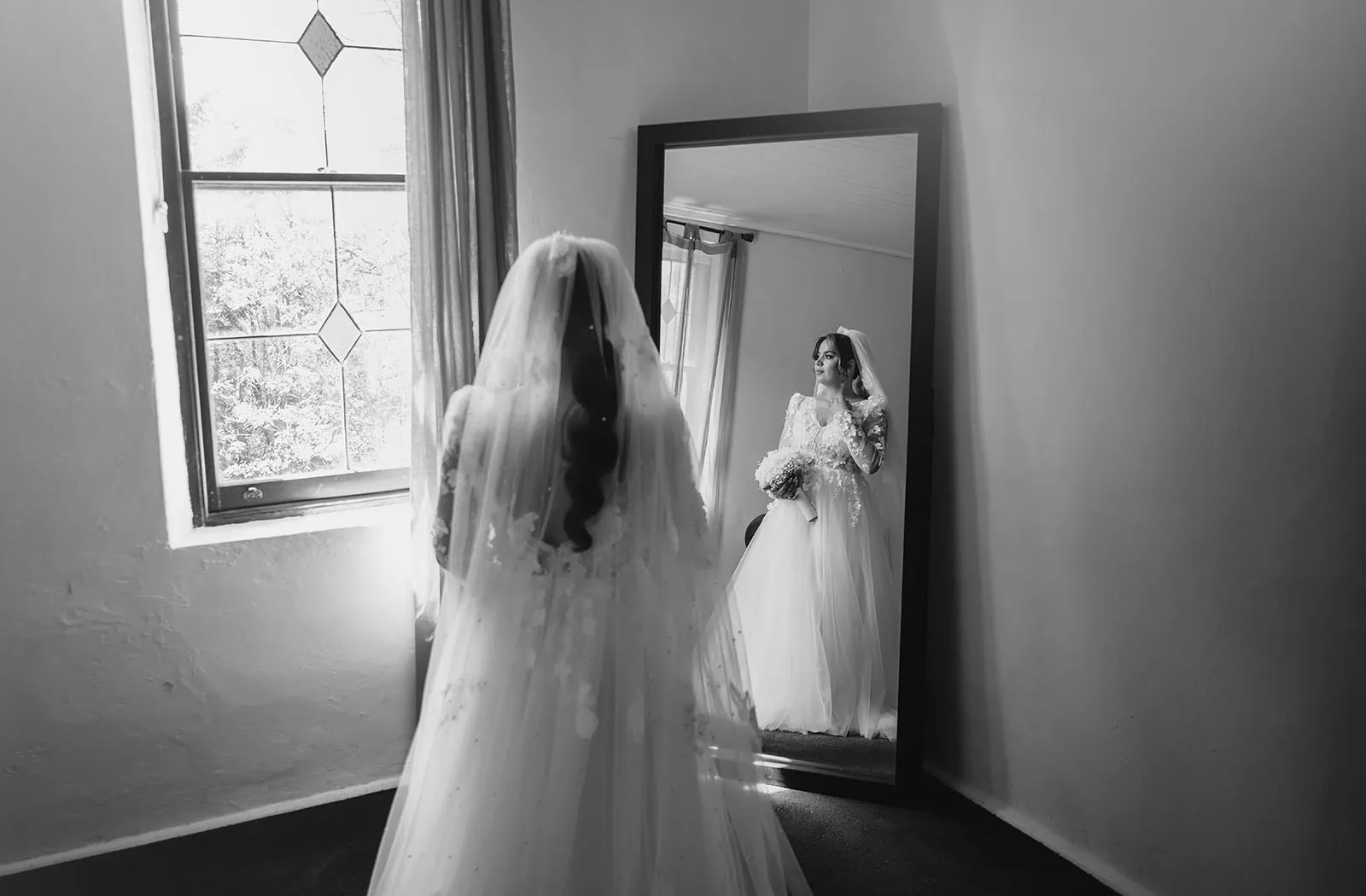
You don’t want to be the reason their first kiss shot is blocked by an iPhone screen in the aisle.
If you see a pro setting up, give them space. Let them get the shot, then you can sneak in one of your own from a side angle if it feels right. Most professional photographers don’t mind guests taking pictures (some encourage it), but there are plenty of horror stories out there. During the ceremony especially, stay seated or off to the side. Same goes for key moments like the vows, cake cutting, or first dance – grab a quick photo, then back off.
Respect Unplugged Ceremonies
If there’s a sign asking guests to put their phones away for the ceremony, take it seriously.
These unplugged moments are more common now, and they usually mean the couple wants people to be present instead of taking photos. That also means your iPhone wedding guest photos can start later: cocktail hour, reception, speeches, dance floor.
Read the Room Before You Pull Out Your Phone
Sometimes it’s all about the vibe. If everyone’s seated and silent during vows, don’t reach for the camera. If the couple is having a quiet moment, don’t walk up with your lens. Wait for natural breaks in the action. You’ll get better shots that way, and you won’t be a distraction.
Know When to Ask for a Photo
Most couples are happy to take photos with guests – it’s part of the fun. But the timing matters.
- Don’t walk up during dinner.
- Don’t interrupt a deep conversation.
- And definitely don’t stop them when they’re clearly being pulled in five directions already (like right after the ceremony or during the cake cutting).
Those moments are for them.
The best time to ask is usually later in the evening, once the formalities are done and everyone’s loosened up a bit. They’re walking around, mingling, smiling – that’s your window. Keep it short and casual. A quick “Can we grab a photo together?” is all it takes. Get the shot, say thanks, and let them move on.
Also: be ready. Don’t fumble with settings while they stand there smiling. Have the camera app open and someone nearby who can take the photo for you if needed. You get a better shot, and they’ll remember you as someone who respected their time.
Share Your Photos With the Couple Instantly
Taking great wedding photos is only half the fun – getting them back to the couple is often where things fall apart. Rather than letting your favourite shots disappear into your camera roll, many modern weddings now include a shared QR code where guests can upload their photos and videos instantly. One of the best examples is Happlee QR, which goes far beyond a simple photo collection.
Couples can create a free wedding hub that includes a free QR seating chart, RSVP collection, digital guestbook, interactive games, polls, trivia, leaderboards and optional premium photo and video collection. It gives guests a genuine reason to keep scanning the QR code throughout the day, resulting in far more memories being shared than traditional upload links or printed QR cards alone. If you do capture a special candid moment on your iPhone, uploading it before you leave the reception means the couple can start reliving their wedding almost immediately.
Final Tips on Wedding Photography with iPhone
If we had to distill this whole guide into a few key tips, it’d be this:
- Focus on one subject at a time. Don’t try to capture everything in one frame. Pick a moment – a look, a detail – and give it your full attention. Those are the shots that feel intentional.
- Mind the horizon and balance. Tilted frames and awkward cropping are easy to avoid once you turn on the grid and slow down for half a second. Straight lines make a difference, especially in shots with architecture or wide backdrops.
- Keep your iPhone ready and set up. A clean lens, enough storage, the right settings – all of that matters before the moment happens. You won’t get a second chance at the ring exchange or a spontaneous dance move, so have your phone ready.
You don’t need professional gear to capture something meaningful. You just need awareness, respect for the moment, and a phone that’s ready when something real happens.
Your iPhone won’t replace the professional — and it shouldn’t — but in the right hands, at the right time, it can still tell a beautiful part of the story.
Preparation Both Rana and Ilia chose to get ready on site, which kept the morning calm and beautifully contained. Ilia spent the early part of the day with his boys in the garden behind the small chapel, joined by the couple’s sons. That space is tucked away just enough to feel private, with leafy backdrops […]
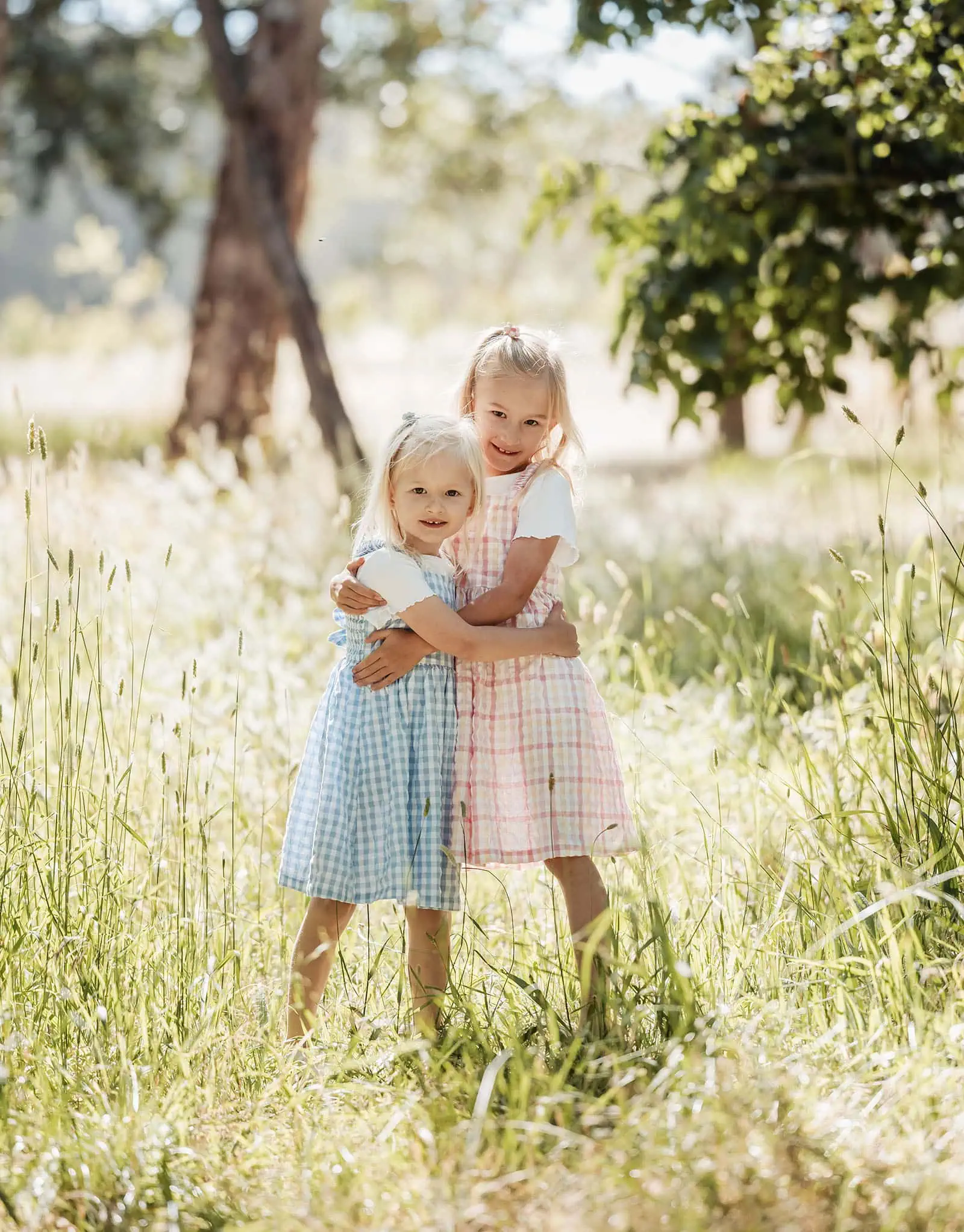
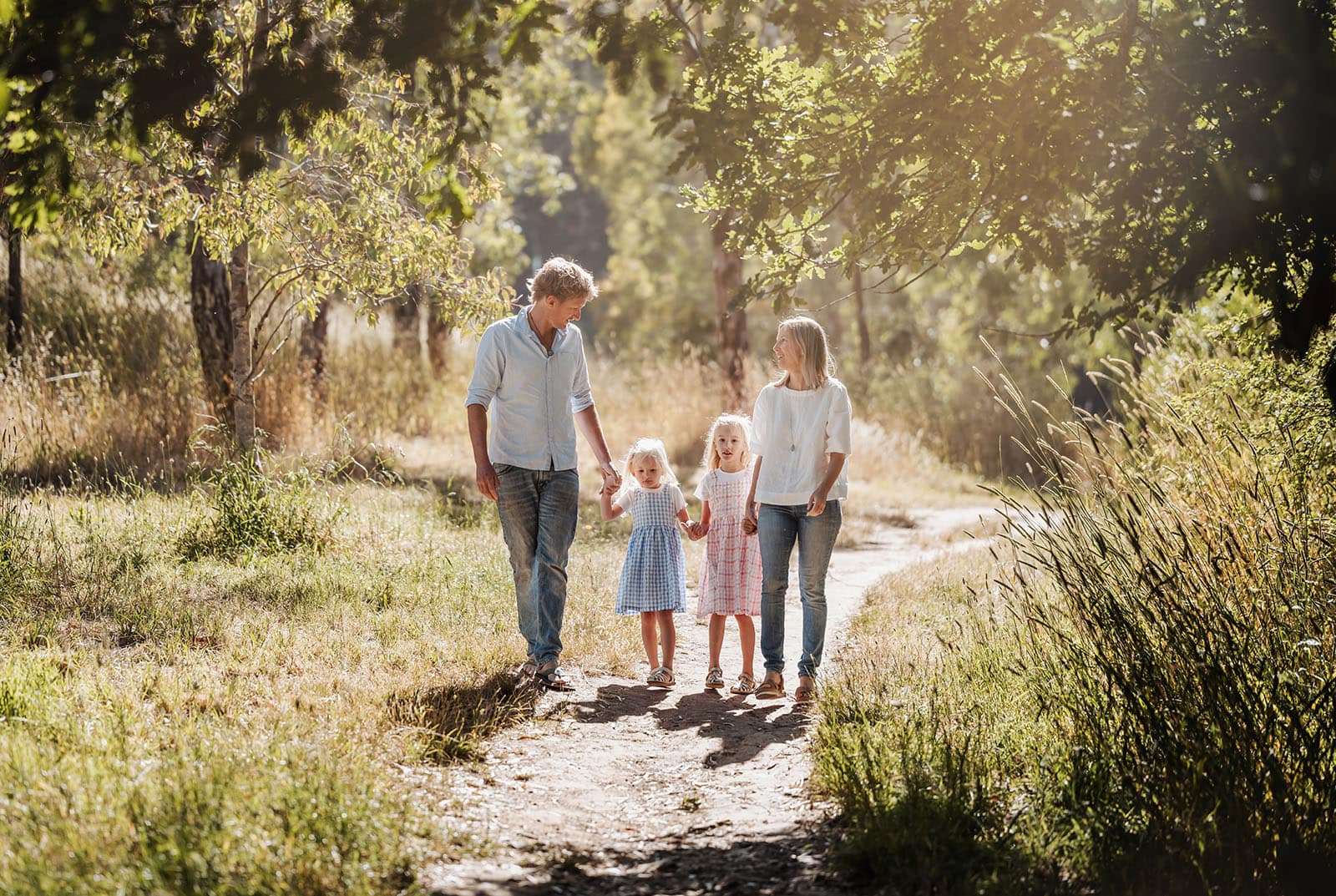
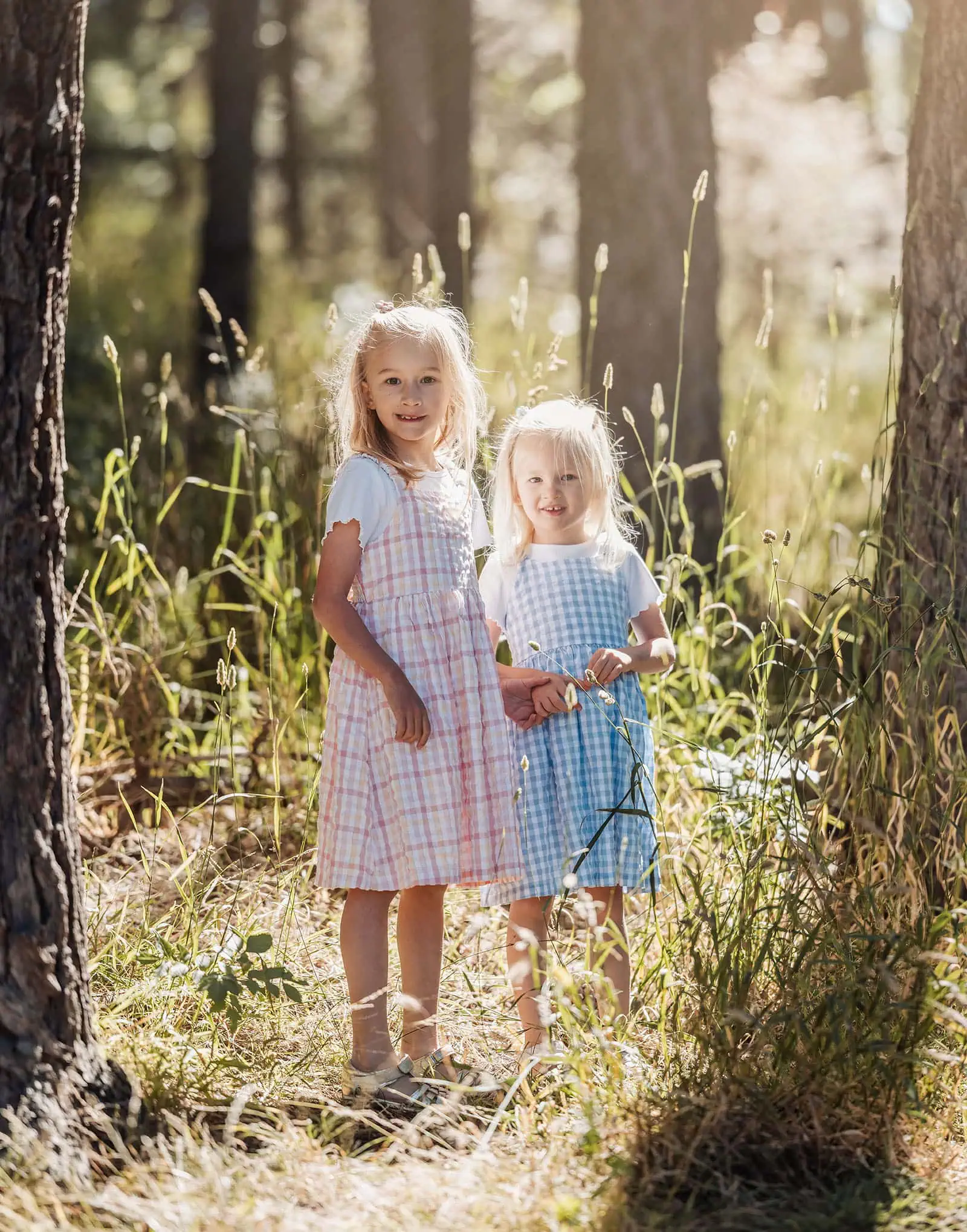
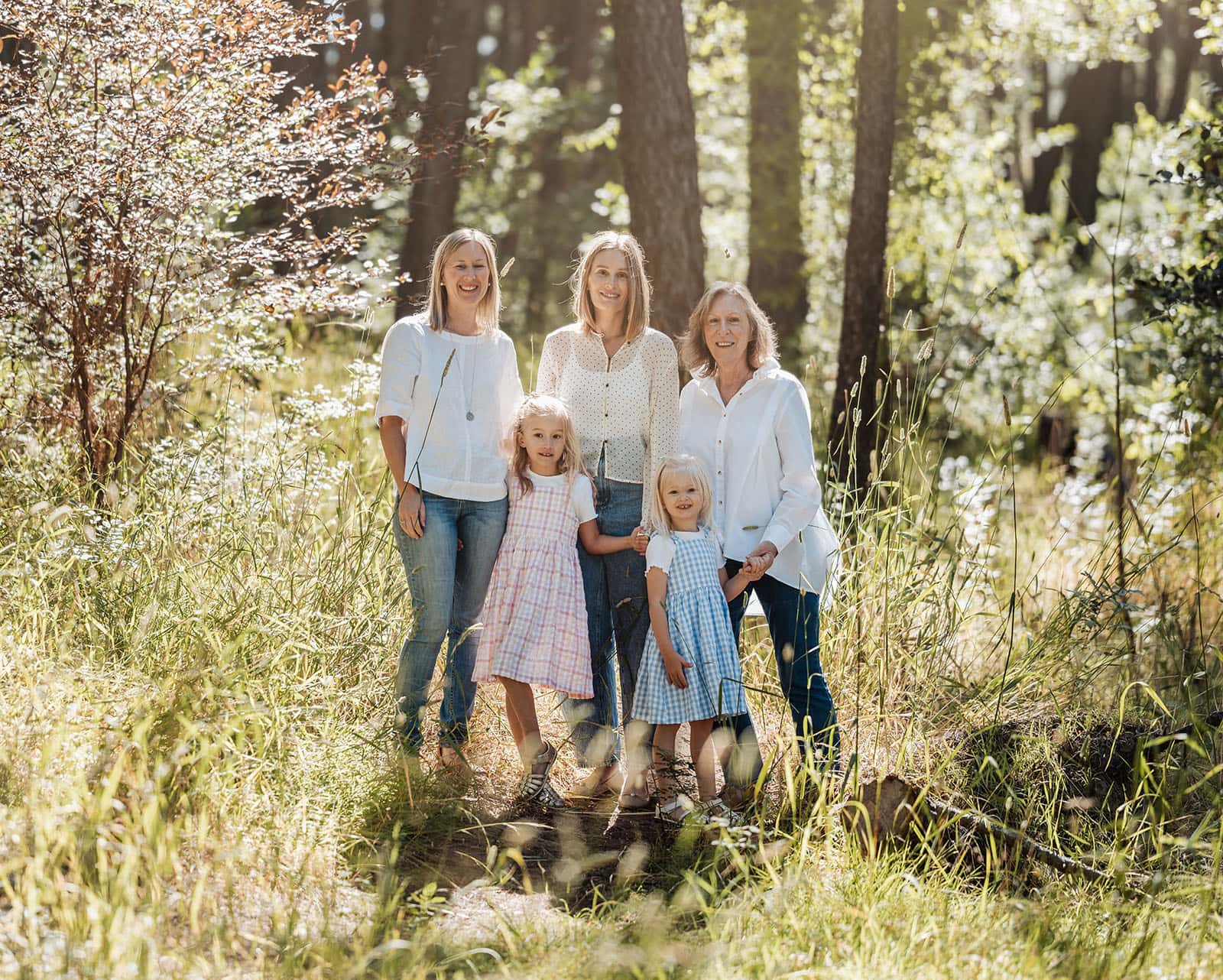
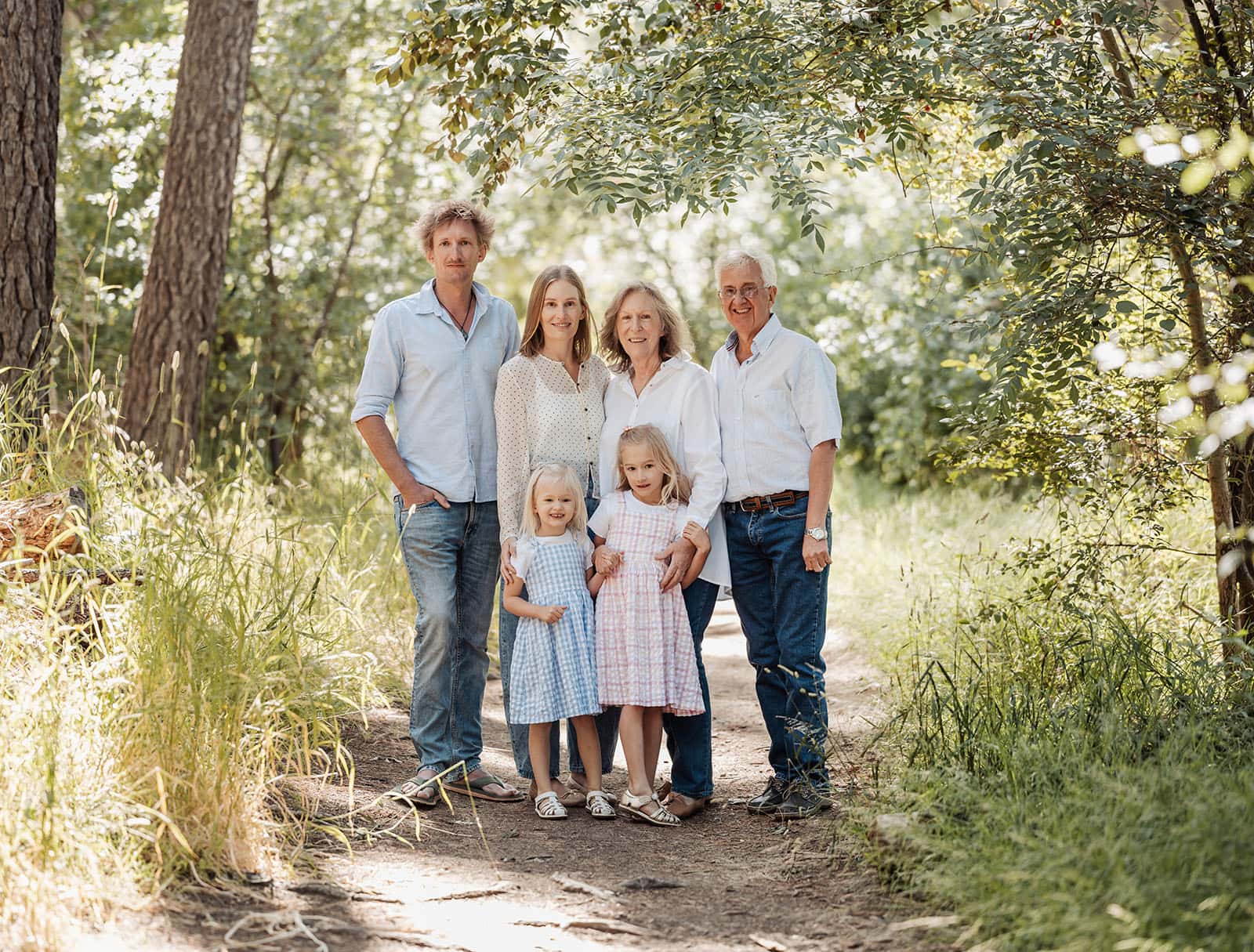
Boxing Day was spent immersed in Blackwood Forest Family Photography, taking advantage of the slower holiday pace and the beautiful summer light filtering through the trees. With the family travelling over from Perth, the session was timed to suit everyone, allowing the forest to warm up and glow as the sun climbed higher. Sunlight streamed through the canopy, creating soft, dappled pockets of light that set the scene for a relaxed, joy-filled afternoon surrounded by nature in one of Adelaide’s most loved forest locations.
From a photographer’s perspective, Blackwood Forest is all about texture, light, and space. The way the sun threads through the canopy creates pockets of brightness that feel playful rather than harsh. On this particular afternoon, the forest floor shimmered with dappled light, and the air had that gentle warmth that keeps everyone comfortable and smiling. It set the tone for a shoot that felt more like a family stroll than a formal photo session, which always brings out the most genuine expressions.
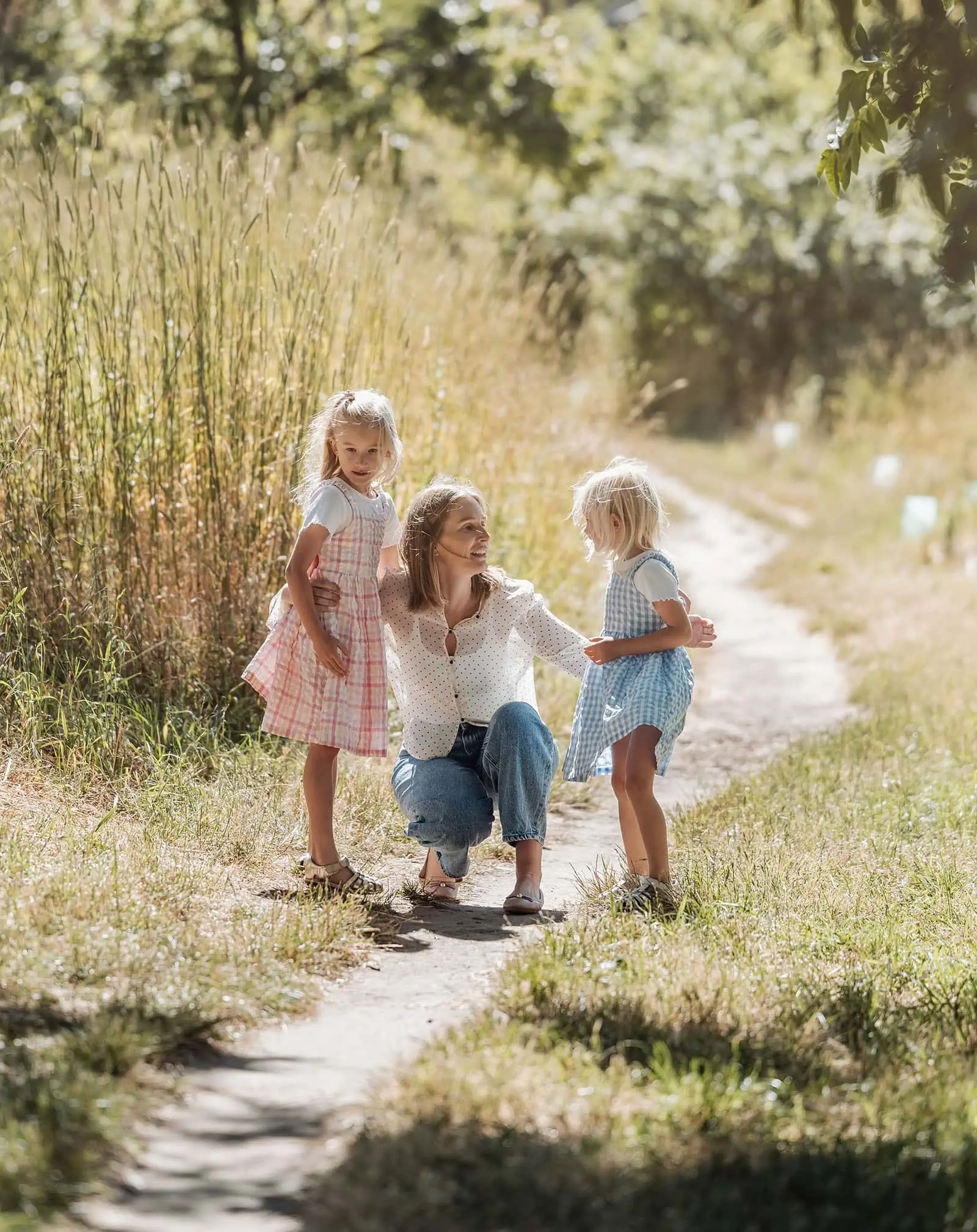
Starting Near the Historic Office Hut
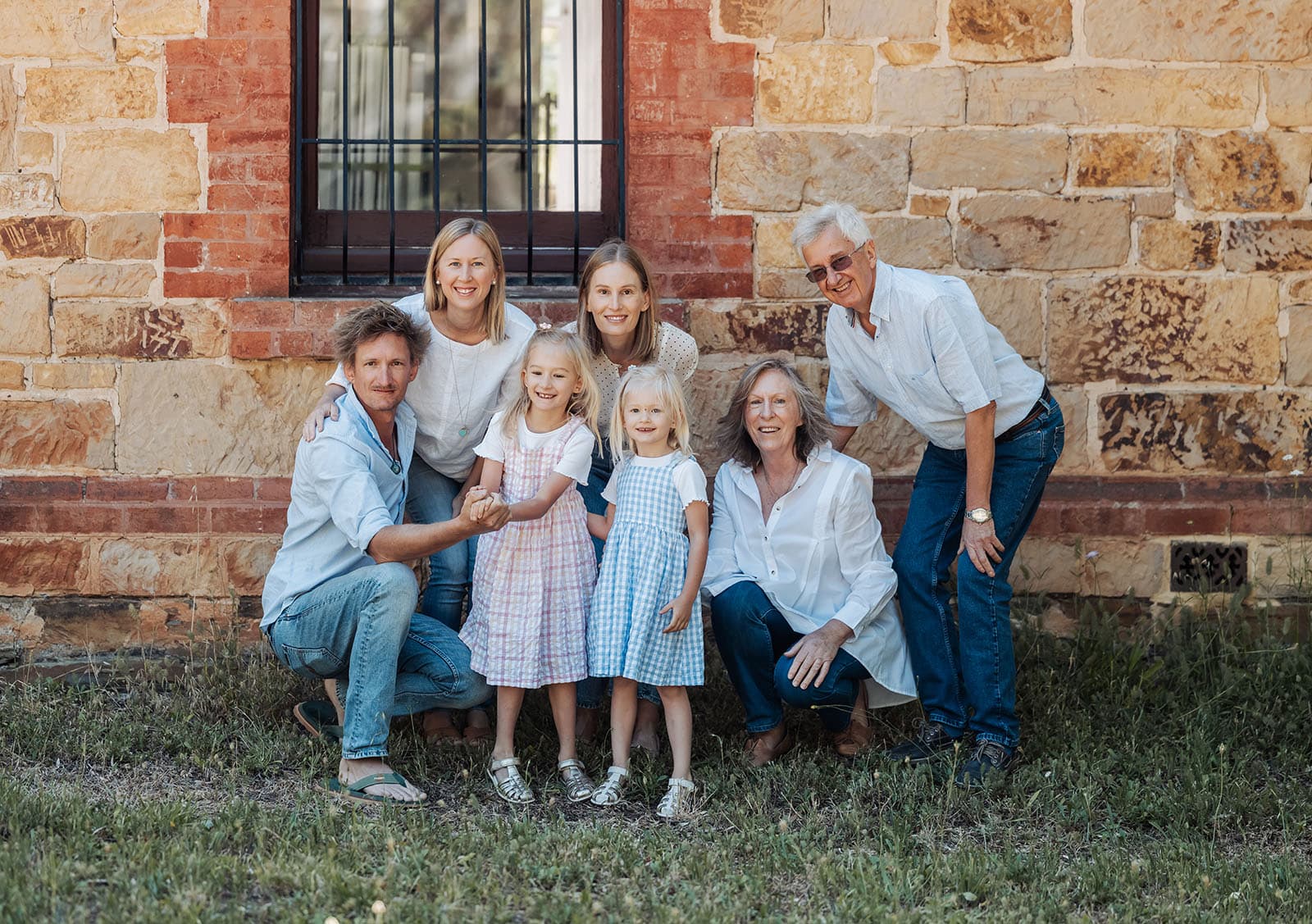
We began near the small historic office hut by the carpark, a spot that offers a charming mix of heritage and greenery. It’s a great place to ease into a shoot, especially for younger kids who might need a few minutes to warm up. The hut provided a simple backdrop with character, allowing the family to settle in while I captured those first, natural interactions as everyone found their rhythm.
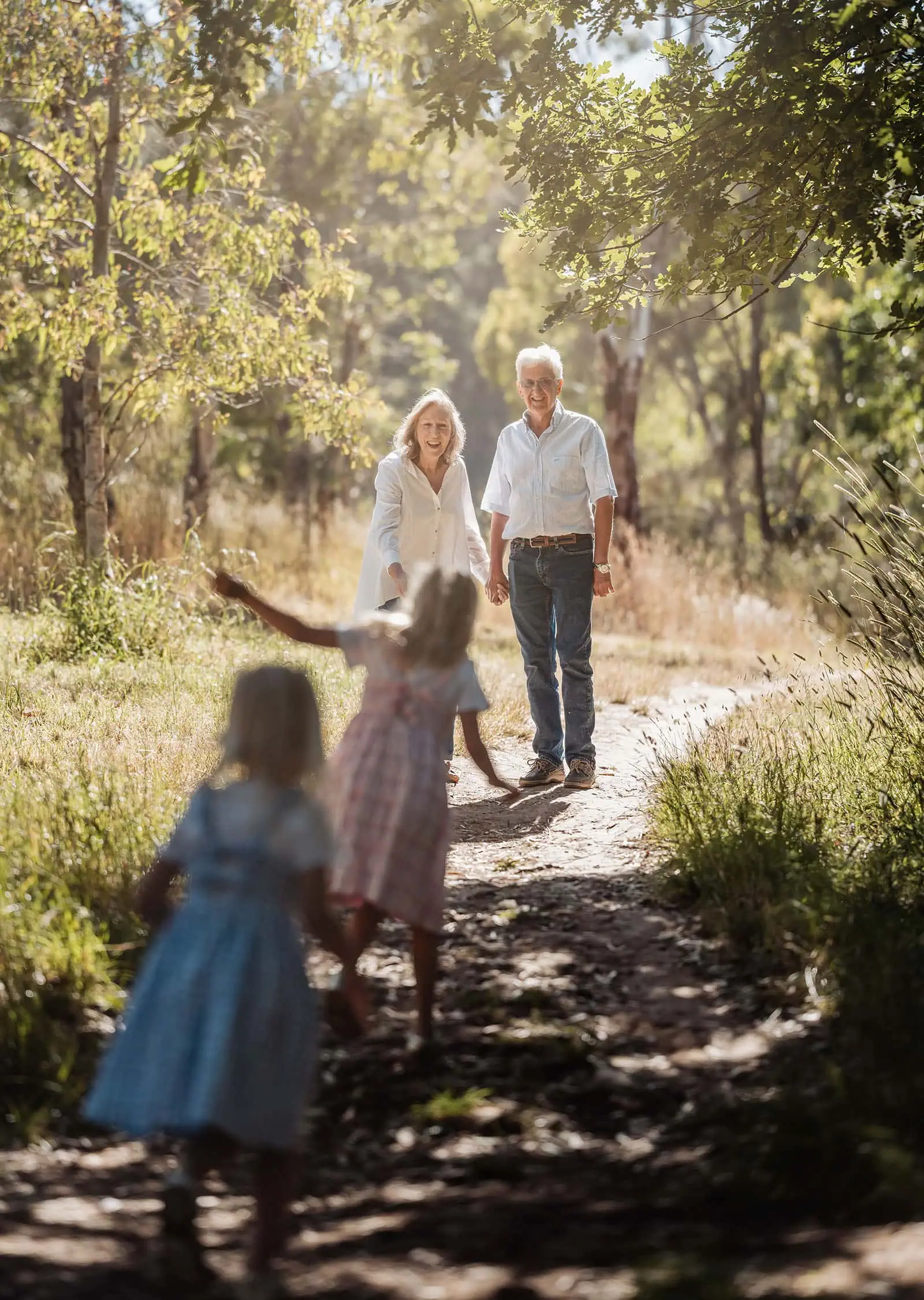
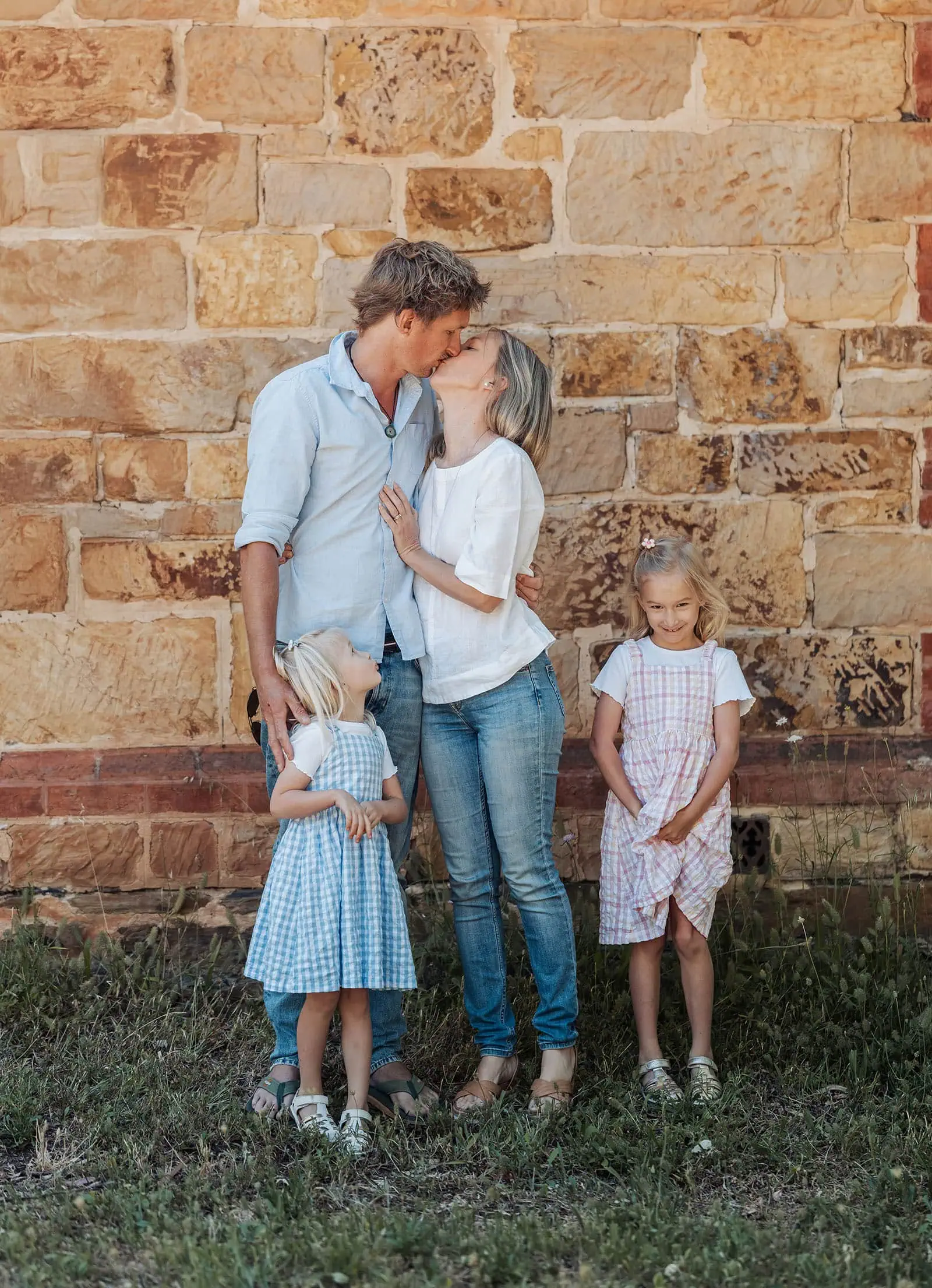
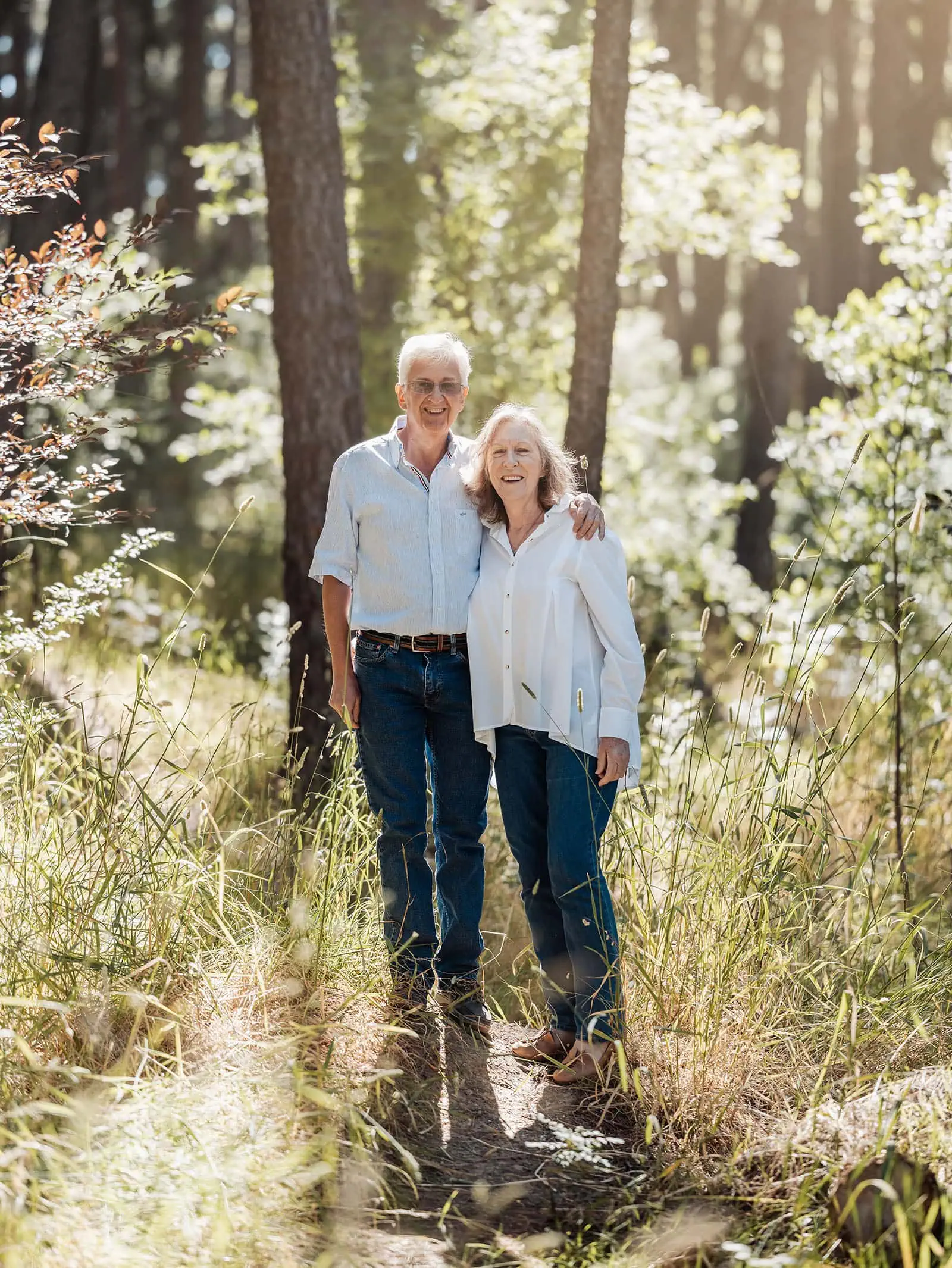
From there, the shoot gently unfolded. No stiff posing, no forced smiles, just subtle guidance to keep things flowing. The grandparents shared quiet laughs with the girls, Mum and Dad soaked up the rare chance to be in front of the camera together, and the forest quietly framed it all. That starting point grounded the session before we wandered deeper into the trees.
Wandering Toward the Pine Plantation
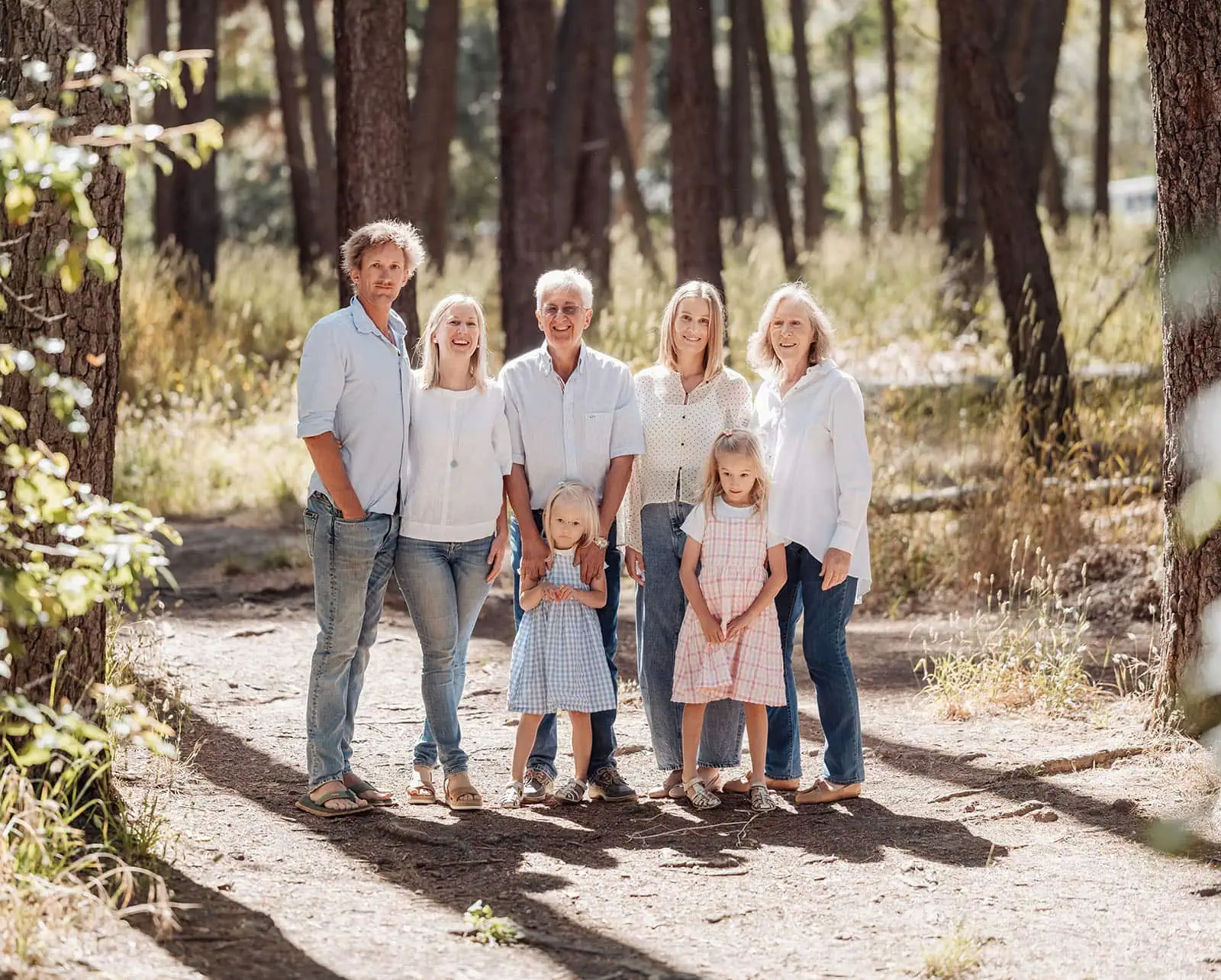
The walk toward the pine plantation is always a favourite part of a Blackwood Forest Family Photography session. The scenery subtly shifts, giving a sense of journey without needing to cover much distance. Tall pines line the path, their trunks creating beautiful natural lines that draw the eye without overpowering the people in the frame.
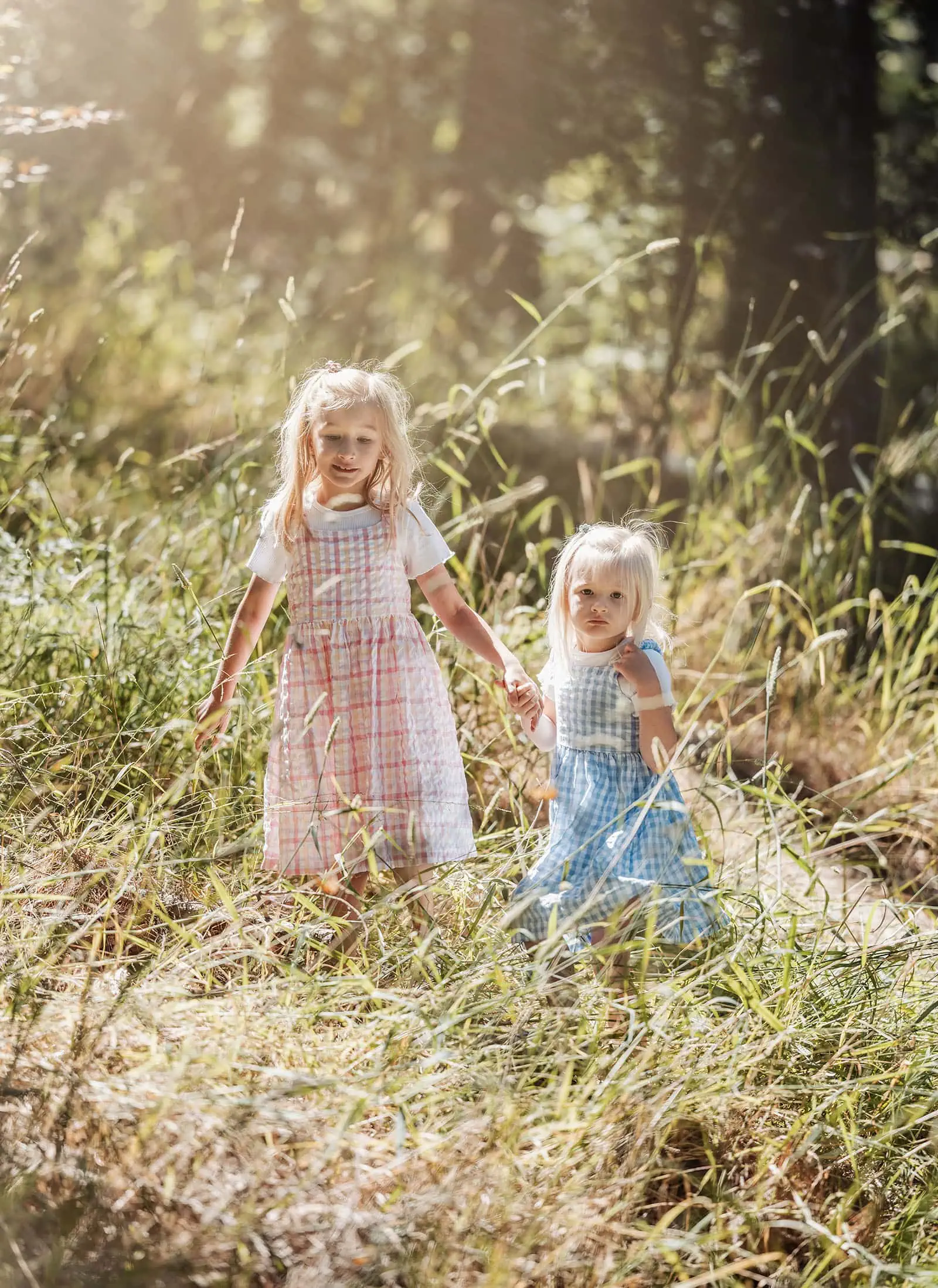
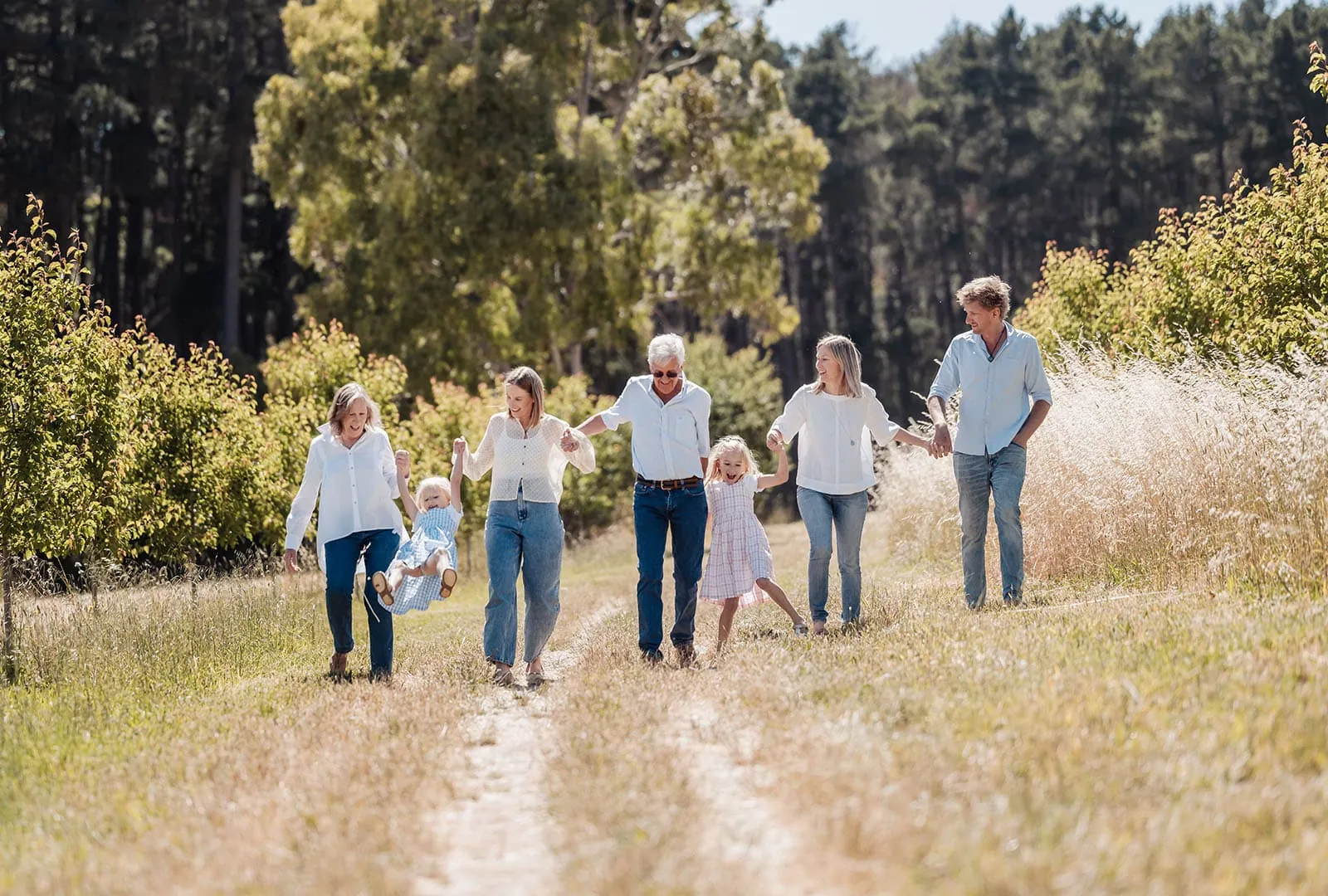
As we strolled, the girls took the lead, darting ahead and pausing to explore whatever caught their attention. This is where family shoots really come alive. Movement brings energy, and energy brings authenticity. The family followed at their own pace, chatting, laughing, and enjoying the simple pleasure of being outside together on a summer afternoon.
Butterflies, Sunlight, and Little Adventures
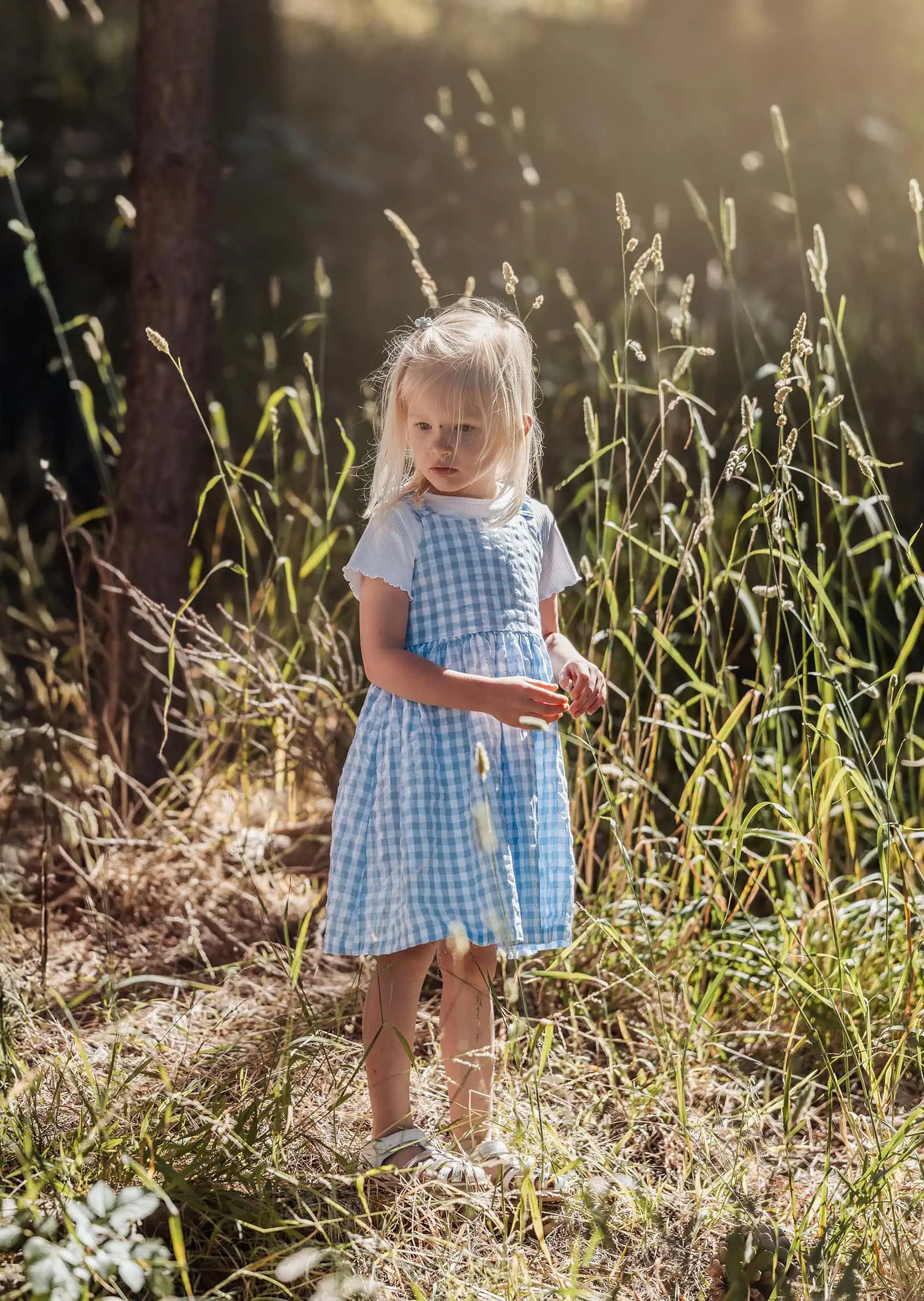
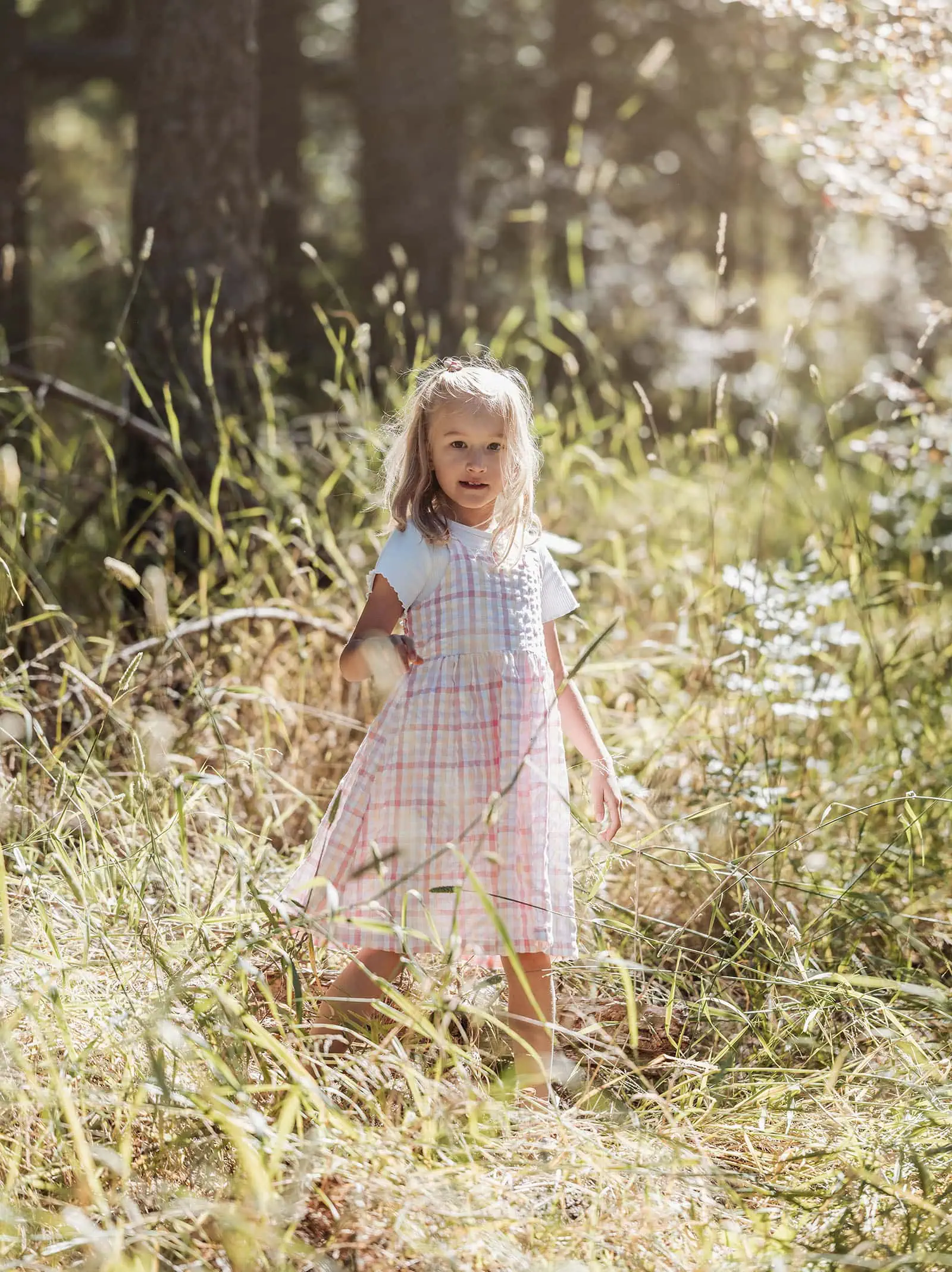
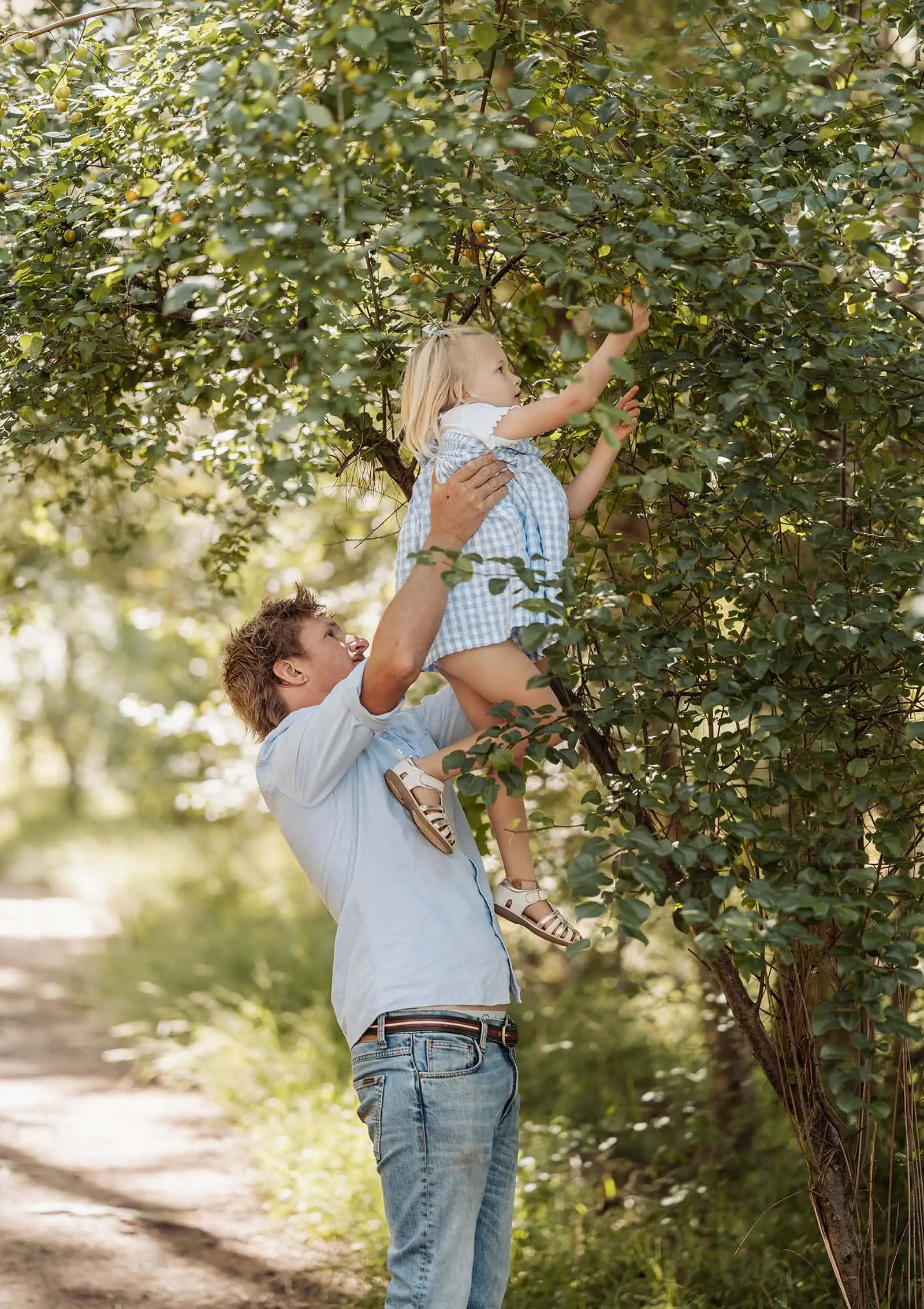
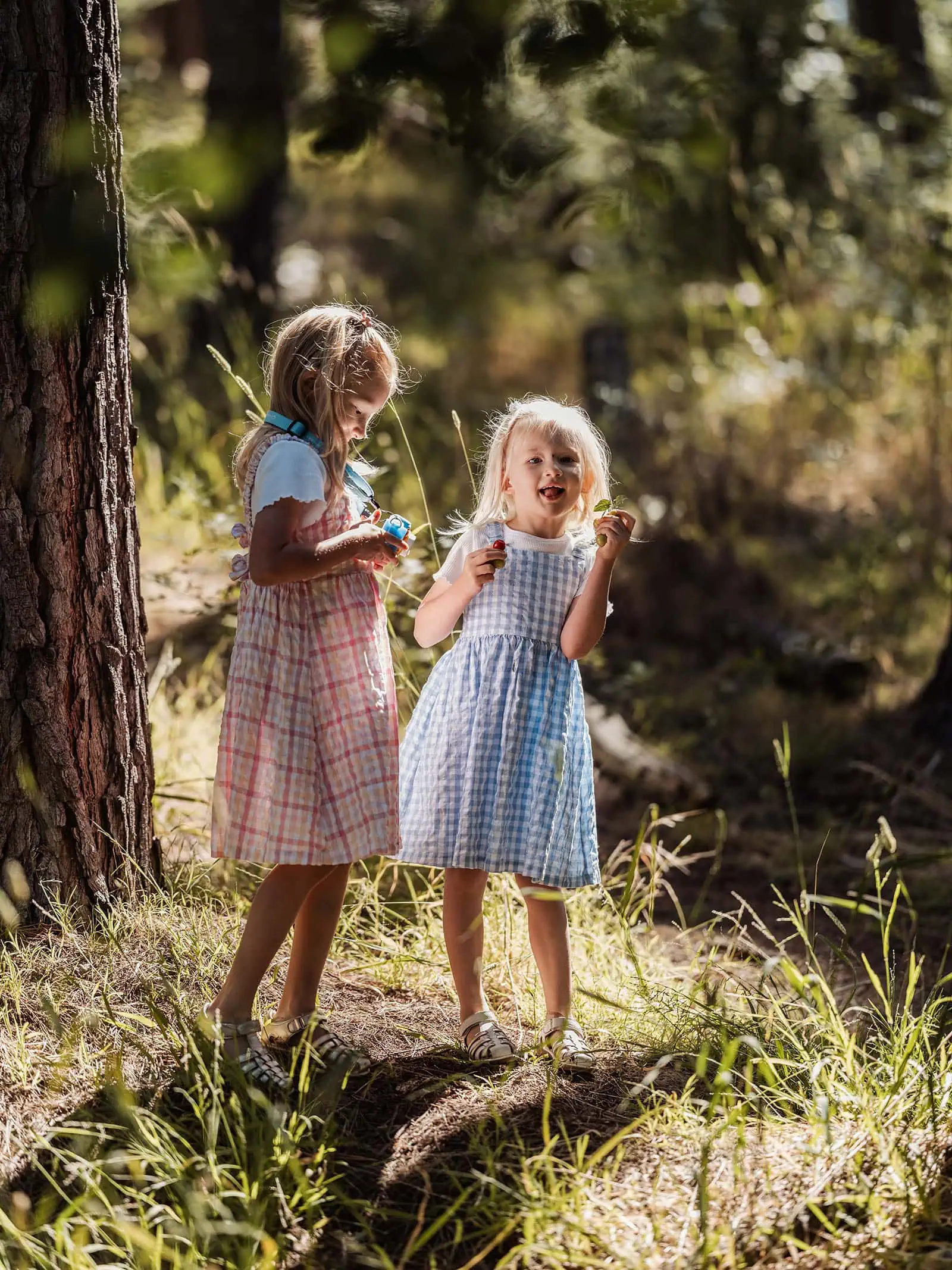
The highlight for the kids came when butterflies began to flit through the sunlit patches of forest. Suddenly, the shoot turned into a game, with tiny hands reaching out and excited voices filling the air. From behind the lens, it was a joy to capture those moments of wonder as the girls chased shadows and light, completely absorbed in their surroundings.
Those spontaneous moments are what elevate Blackwood Forest Family Photography beyond posed portraits. The sunlight danced through the leaves, catching in hair and dresses, while the forest softened everything around them. It felt effortless, like the forest itself was collaborating with us, offering up perfect little scenes without needing to be directed.
Capturing Every Family Combination
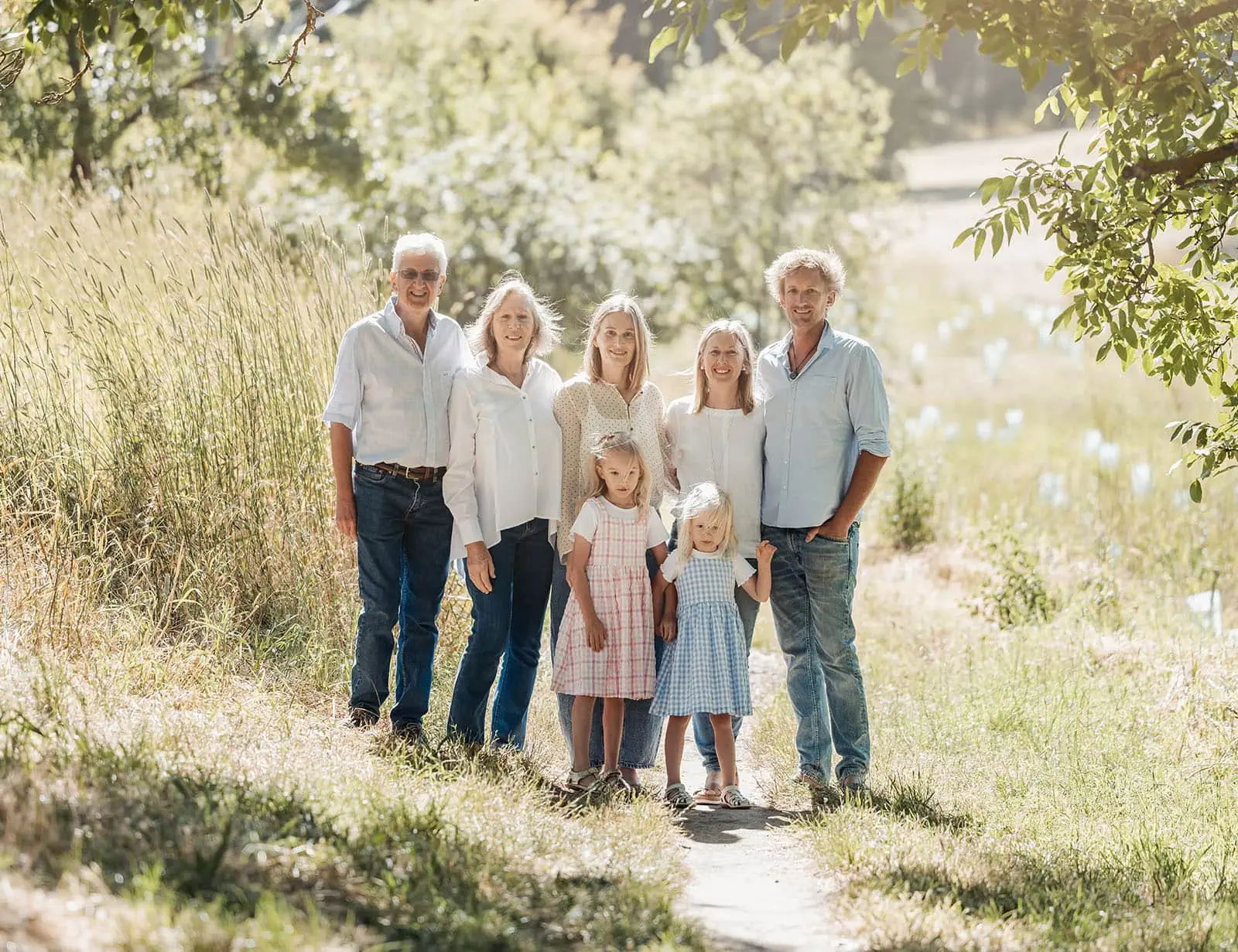
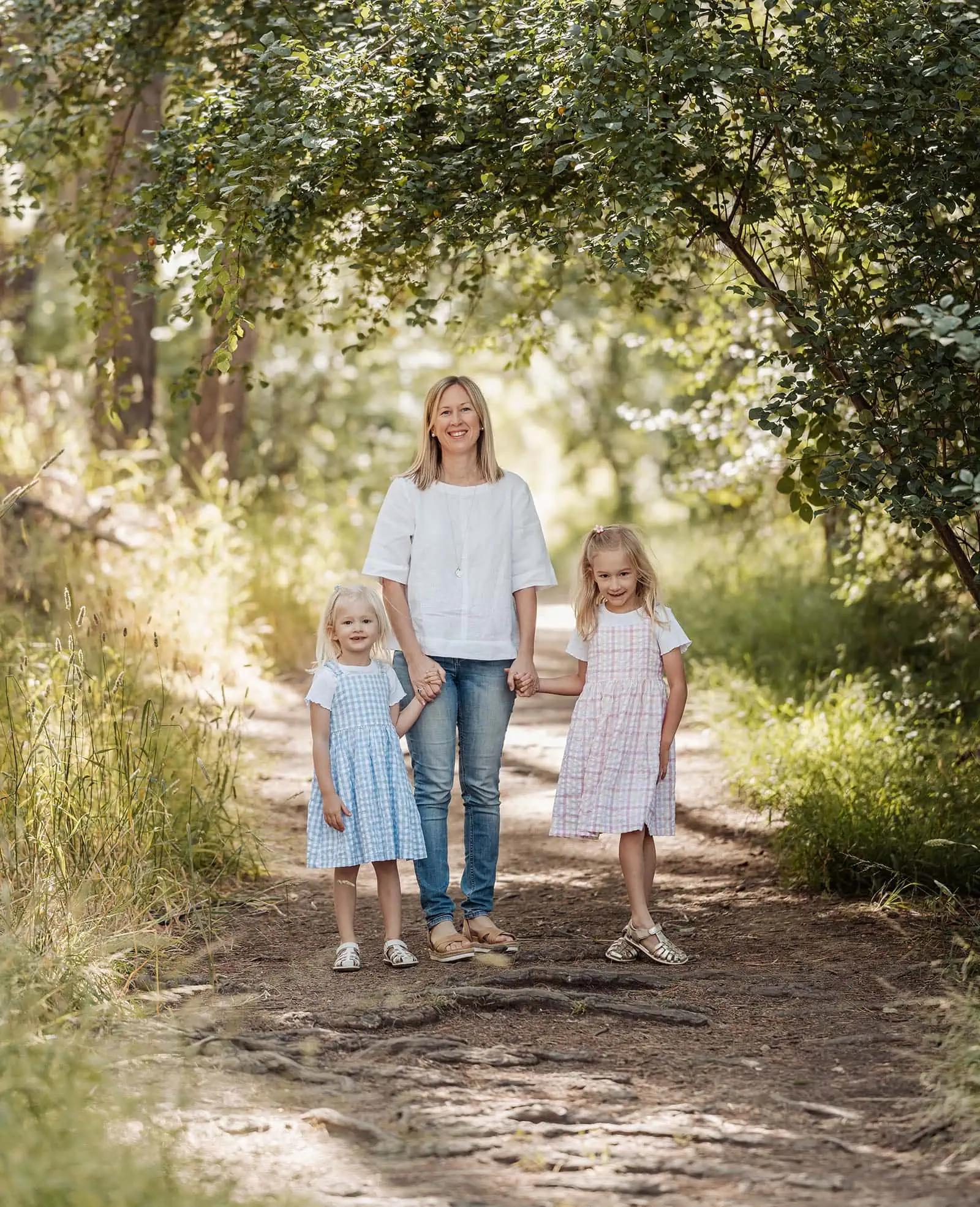
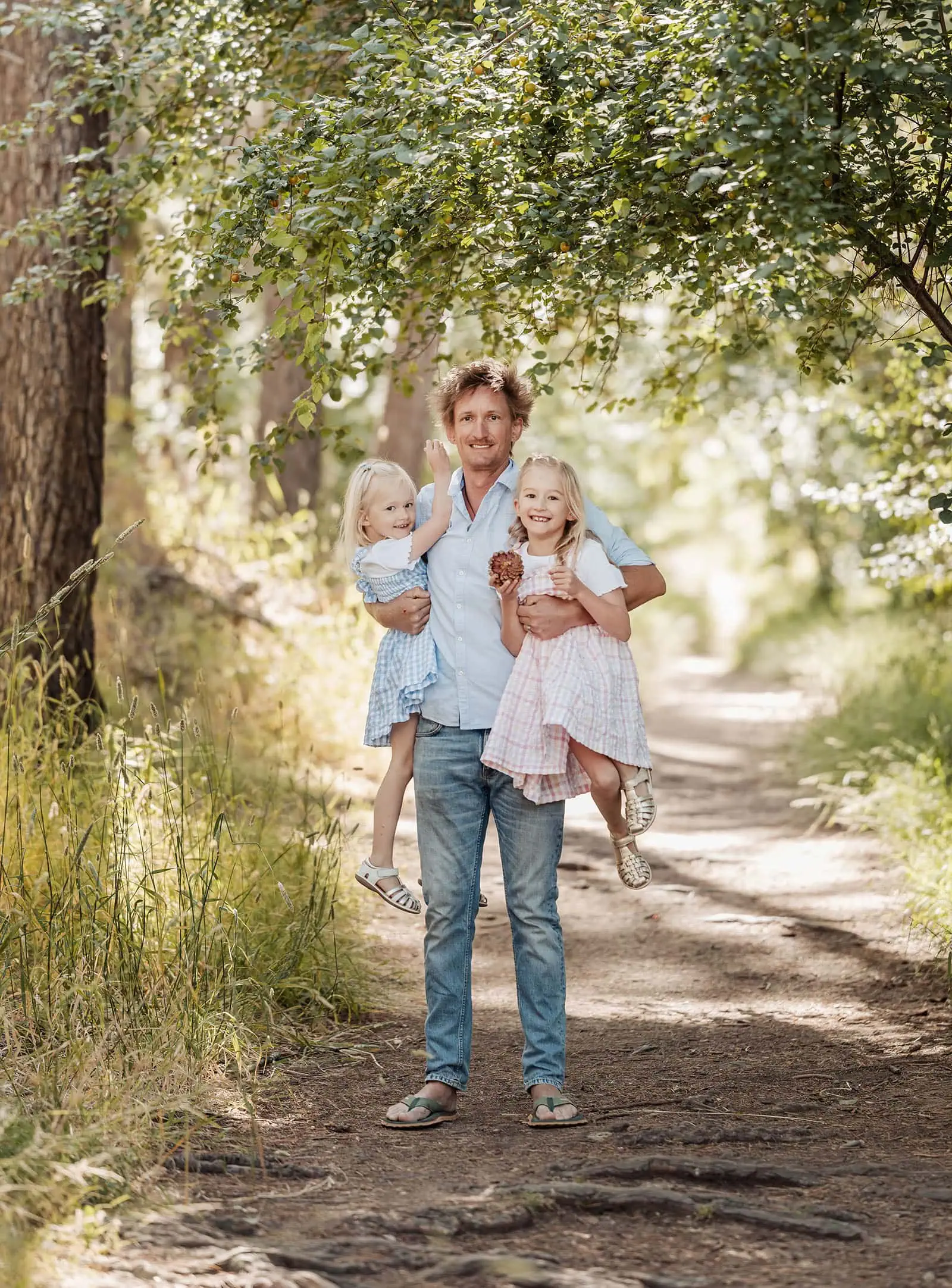
One thing this family was keen on was making sure every combination was covered. Grandparents with grandchildren, siblings together, parents with each child, the whole group united. Blackwood Forest makes this easy, with endless spots that feel distinct without being far apart. Each grouping found its own little pocket of space, framed by trees and natural light.
Rather than stopping the flow of the afternoon, these combinations were woven into the walk. A pause here, a quick regroup there, always keeping things light and comfortable. The result was a gallery that felt complete without feeling staged, reflecting the family’s closeness and the easy rhythm of their time together.
Blackwood Forest Family Photography
As the morning unfolded, the light stayed soft and gentle, settling into the forest with an easy, golden calm. The girls moved at their own pace, still full of curiosity, while the family came together for a final few frames among the trees. It felt unhurried and content, the kind of family photography session where time is spent connecting, wandering, and enjoying the moment rather than racing through a checklist.
This Blackwood Forest Family Photography session was a reminder of how powerful simplicity can be. A gentle walk, beautiful light, and a family happy to be together created a gallery full of warmth and authenticity. From behind the camera, it felt less like work and more like being invited along for a Boxing Day catch-up, one that just happened to be captured forever.
QUICK LINKS

GET IN TOUCH
OFFICE HOURS:
- Monday-Friday 09:00 – 17:00
- ABN – 81371854076
CONNECT WITH US


