Most couples spend months planning their wedding, yet the candid moments, the tearful hugs, the spontaneous laughs on the dance floor, often slip through the cracks. Your photographer captures the highlights, but your guests are sitting on a goldmine of genuine, unposed shots. QR wedding photo sharing centralises guest-uploaded wedding moments quickly and privately via a simple QR code. No apps. No hashtags. No chasing people down for their camera rolls weeks later. This guide walks you through exactly what QR photo sharing is, how it works on the day, what to watch out for, and how to set it up so nothing gets missed.
Key Takeaways
| Point | Details |
|---|---|
| Simple setup | QR wedding photo sharing lets you collect candid moments from all your guests with a single scan and upload. |
| No apps needed | Guests of every age can take part without downloading anything or signing up for accounts. |
| More privacy | Photos stay in a private online gallery, not scattered across public hashtags or social media. |
| Inclusive and fun | All guests can contribute memories, making your wedding album richer and more personal. |
What is QR wedding photo sharing?
At its core, QR wedding photo sharing is a way for every guest at your wedding to contribute their photos and videos to a single, private gallery. It sounds simple because it genuinely is. Rather than asking guests to tag a hashtag on Instagram or download a dedicated app, you give them one thing: a QR code to scan.
Here is how the process works from start to finish:
- Generate your QR code. Before the wedding, you or your photographer creates a unique QR code that links directly to a private online gallery.
- Display it for guests. The code appears on table cards, signage, invitations, or even a framed print near the entrance.
- Guests scan and upload. Anyone with a smartphone camera can scan the code, which opens a browser page instantly. No app download required.
- Photos flow into one gallery. Every image uploaded by guests appears in a single, organised collection that only you control.
The key difference between this approach and the old hashtag method is privacy and control. When guests post to Instagram with a wedding hashtag, those images are public by default. Anyone can find them. With QR photo sharing, couples generate a unique QR code linking to a private gallery, so only people with that link can view or contribute.
“The best wedding photos are the ones you never staged. QR sharing gives every guest the chance to capture and contribute those moments, privately and instantly.”
This is also where solutions like SelfBooth QR photo sharing stand out. Rather than a clunky workaround, it is a purpose-built tool designed specifically for events, making the whole experience feel seamless for both you and your guests. The gallery updates in real time, so you can even sneak a peek during the reception and see what your guests have been capturing.
How does QR photo sharing work at weddings?
Now that you know what it is, here is how the experience actually unfolds on your big day.
The beauty of browser-based QR sharing is that it removes every barrier that traditionally stopped guests from participating. Age is not a factor. Tech confidence is not a factor. Browser-based solutions ensure everyone can participate without app downloads, accounts, or social media profiles. Your 75-year-old grandmother and your 16-year-old cousin are on equal footing.
Here is what the guest experience looks like in practice:
- A guest spots the QR code on their table card during the reception.
- They open their phone camera and point it at the code. A link pops up automatically.
- Tapping the link opens a simple browser page. No sign-in. No account creation.
- They select a photo from their camera roll or take a new one right then and there.
- The image uploads and appears in your shared gallery within seconds.
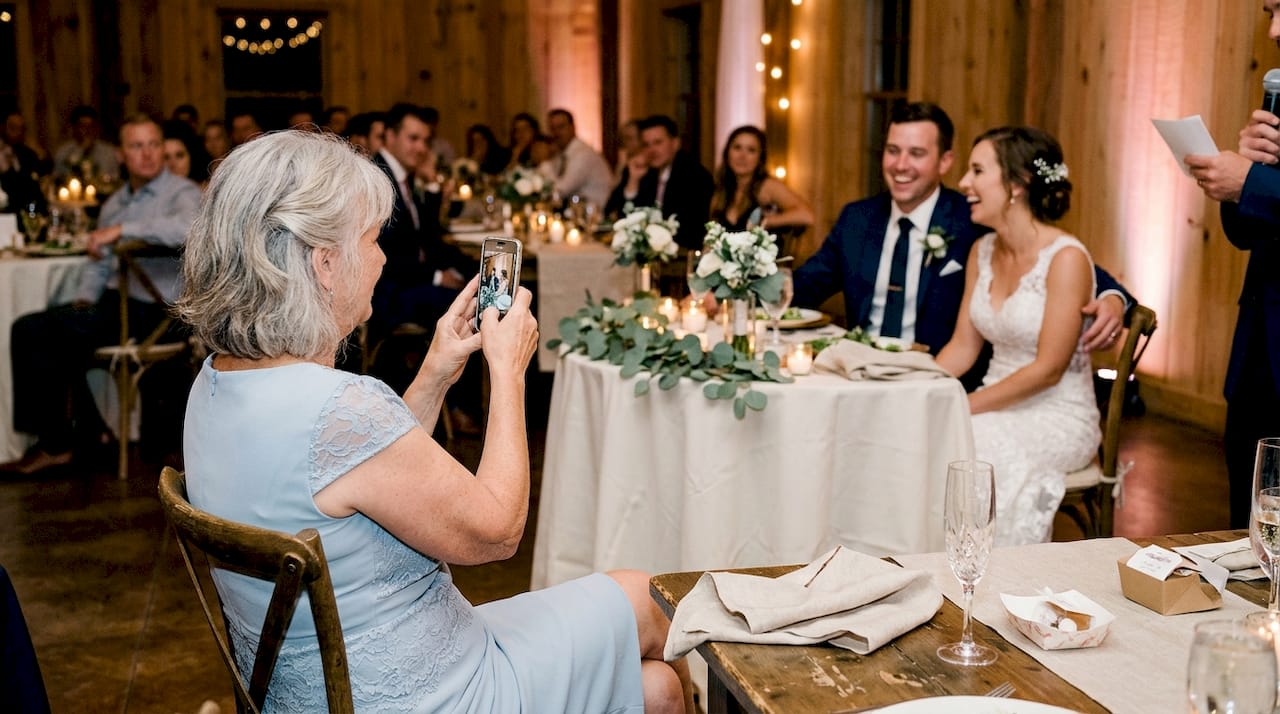
Picture your grandmother catching a quiet moment between you and your partner during the speeches. She takes the shot, scans the code at her table, and uploads it before the next toast is raised. You might not even know that photo exists until you browse the gallery that evening. Those are the moments that matter most, and they are the ones most likely to be lost without a system like this.
To make sure QR table planning at events works smoothly, think carefully about where you place your codes. The more visible and accessible they are, the higher your participation rate will be.
Pro Tip: Place QR codes at every table, near the photobooth, at the bar, and on the back of your order of service card. The more touchpoints you create, the more photos you will collect.
Benefits and potential pitfalls of QR photo sharing
Understanding how it works, it is important to weigh the real-world benefits alongside a few common challenges before you commit.
Couples often find QR photo sharing more private and inclusive than public hashtags or social media platforms. Here is a quick summary of the main benefits:
- Privacy. Your photos stay in a closed gallery, not scattered across public social media feeds.
- No app needed. Guests of all ages and tech comfort levels can participate instantly.
- Real-time updates. The gallery builds itself throughout the day as guests upload.
- Inclusive by design. Anyone with a smartphone and a camera can contribute, regardless of which platform they use.
- You own the content. Unlike Instagram posts, every image in your gallery belongs to you and your guests, not a social media company.
That said, there are a few things worth knowing before your big day:
- Internet access matters. If your venue has patchy Wi-Fi or limited mobile data coverage, uploads may be delayed or interrupted.
- Photo quality varies. Guest photos range from stunning to blurry. That is part of the charm, but it is worth knowing your gallery will be a mix.
- Clear instructions help. Some guests will need a gentle nudge or a simple printed guide to know what to do.
| Method | Privacy | App required | Real-time gallery | Ease of use |
|---|---|---|---|---|
| QR code sharing | High | No | Yes | Very easy |
| Instagram hashtag | Low | Optional | Yes | Easy |
| Dedicated wedding app | Medium | Yes | Yes | Moderate |
| USB drop-off | High | No | No | Moderate |
For a sense of how polished a private gallery can look, browsing couples engagement gallery security gives you a feel for the kind of curated experience you are aiming for.
Pro Tip: Ask your venue coordinator in advance about Wi-Fi coverage and signal strength. If it is unreliable, let guests know they can upload photos after the event using the same QR link.
Getting started: Setting up QR photo sharing for your wedding
Knowing the advantages, here is how you can set up QR photo sharing easily for your own celebration.
You have a few different routes depending on your budget, your photographer’s offerings, and how hands-on you want to be.
- Choose your platform. Options range from DIY tools like Google Photos shared albums with a QR code, to purpose-built event platforms, to photographer add-ons like SelfBooth.
- Create your QR code. Most platforms generate this automatically once you set up your gallery. Some allow you to customise the code with colours or your initials.
- Set up the gallery settings. Decide who can upload, whether uploads need moderation, and how long the gallery stays active.
- Share the link with guests. Print the QR code on your stationery, signage, and table cards. You can also email or text it to guests before the day.
Couples can generate a unique QR code linking to a private online gallery for easy, secure photo collection, and most platforms make this process straightforward even if you are not particularly tech-savvy.
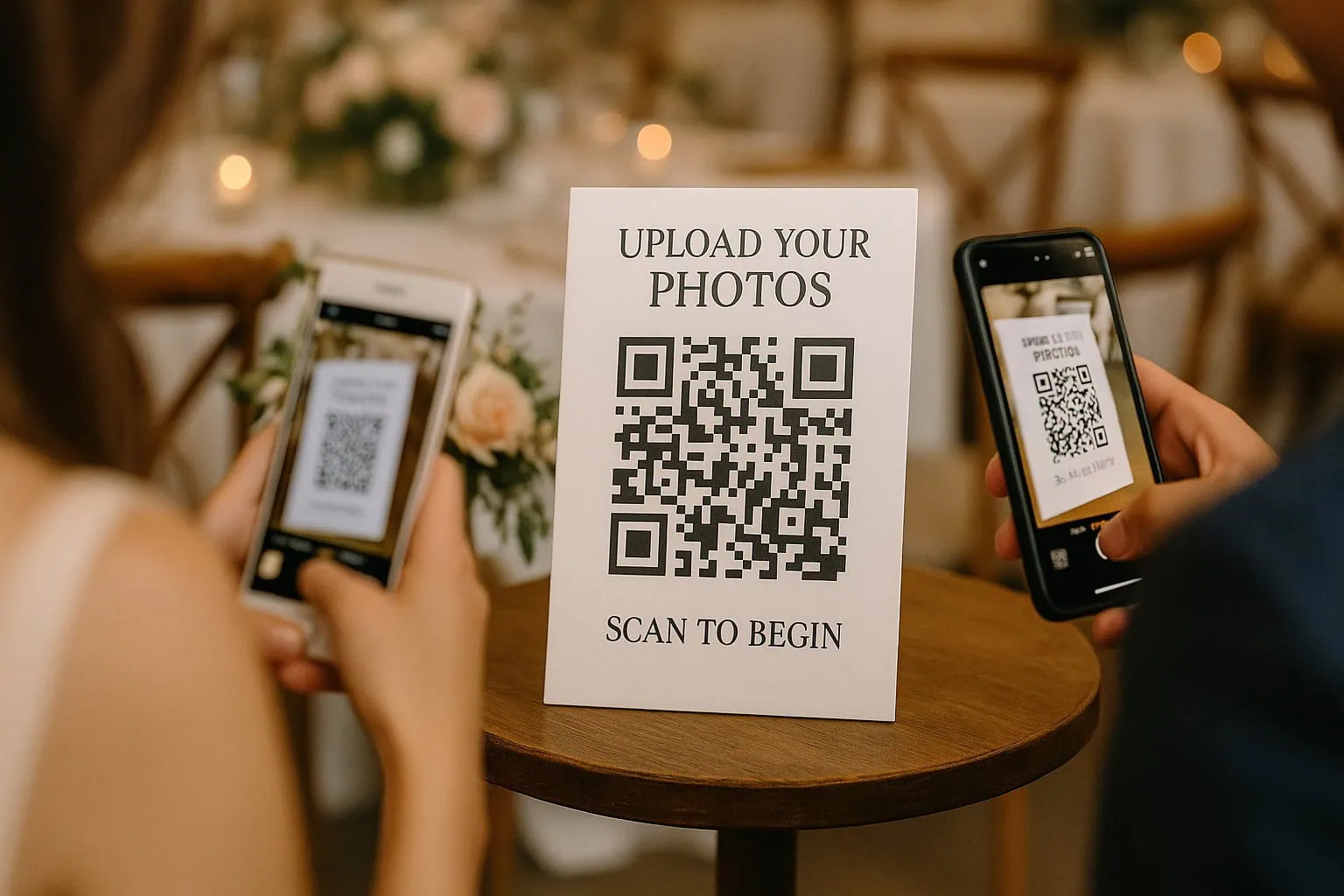
Guests engage by scanning a QR code to upload photos at a warm, elegant event.
| Platform type | Cost | App needed | Moderation | Best for |
|---|---|---|---|---|
| DIY (Google Photos) | Free | Optional | Manual | Budget-conscious couples |
| Browser-based event tools | Low to mid | No | Auto or manual | Most couples |
| Photographer add-on | Included in package | No | Managed | Full-service experience |
If you want a truly seamless setup without the guesswork, exploring custom wedding photo options lets you tailor the experience to exactly what your wedding needs. A professional can handle the technical side so you can focus on enjoying the day.
Why QR wedding photo sharing is the future (and what most people miss)
Here is what we think most wedding guides get wrong about QR photo sharing.
The conversation almost always focuses on convenience. And yes, it is convenient. But the bigger shift is about ownership and intimacy. When guests post to a hashtag, those memories live on a platform that can change its privacy rules, go offline, or simply make it hard to retrieve images later. A private QR gallery puts the memories back in your hands.
We also hear couples worry that older guests will not be able to participate. In our experience, that concern rarely plays out. The scanning process is genuinely simpler than most people expect. Point, tap, upload. That is it.
What couples consistently underestimate is how much real-world QR code case studies show that guest participation rates are higher than with any app-based solution. When you remove friction, people engage. The gallery fills up faster than you think, and the result is a rich, candid record of your day that no single photographer could create alone.
The real magic is not the technology. It is the feeling of waking up the morning after your wedding and discovering hundreds of moments you never knew were captured.
Why Happlee QR is the obvious choice
While plenty of QR photo sharing platforms let guests upload pictures, Happlee QR takes the idea much further. The biggest challenge with any guest photo gallery is not the technology – it’s giving guests a reason to keep scanning the QR code throughout the day. Happlee solves that by combining free QR seating charts, RSVP collection, digital guestbooks, live polls, trivia, scavenger hunts, discovery games and engagement leaderboards into one experience. Guests naturally return to the same QR code again and again, which means they’re far more likely to upload photos and videos while they’re already interacting with your wedding.
Even better, couples can start completely free using the seating plan, RSVPs and guest engagement features, then unlock optional premium modules like private photo and video collection only if they want them. Instead of paying for a standalone QR photo gallery, Happlee QR becomes the digital hub for your entire wedding, keeping everything organised behind a single QR code that guests actually want to use.
Take your wedding photo sharing to the next level
Ready to make photo sharing effortless at your wedding? At SvenStudios, we have built QR photo sharing into our event offerings because we know how much those candid guest moments matter. Our SelfBooth QR sharing solution is browser-based, private, and designed to work for every guest at your celebration. You can also browse our couples photography portfolio to see the standard of imagery we bring to every wedding. If you are ready to explore what is possible, our Australia-wide photography packages make it easy to find a solution that fits your day, your style, and your budget.
Frequently asked questions
Is QR wedding photo sharing secure and private?
Yes, photos are uploaded to a private online gallery accessible only via your unique QR code. Private galleries offer more privacy than public hashtags, keeping your memories exactly where they belong.
Do guests need to download an app to use QR wedding photo sharing?
No, most platforms are browser-based, so guests just scan and upload using their phone’s camera. Browser-based solutions remove the barrier of app downloads for guests of all ages.
What happens if the wedding venue has poor internet?
Guests may not be able to upload instantly, but photos can usually be submitted later when a connection is available. Internet access is a factor that can limit real-time uploads, so it pays to check your venue’s coverage beforehand.
Can we control who uploads and sees the photos?
Yes, you control QR code access and who receives the gallery link, which keeps it private for your invited guests. Unique QR codes create private photo sharing environments that are far more secure than open social media alternatives.
Recommended
- SelfBooth: QR Code For Wedding Pictures – Easy Photo Sharing
- SeatScan – QR Table Seating Plan – SvenStudios
- Wedding Photo Of The Year Contest – SvenStudios
- Adelaide’s Pilgrim Uniting Church – SvenStudios
Love this style of photography?
Planning something beautiful?