If you’ve ever spent too long stitching together a simple photo reel using CapCut, InShot, or other mobile apps, you’re not alone. For photographers, the process often means transferring files, resizing images, and battling limited export options — all for something that should take minutes – direct from your photos into a simple slideshow.
That’s exactly why we built this free CapCut Alternative — a lightweight, browser-based slideshow app that lets you create clean, professional MP4 slideshows directly from your desktop.
It’s completely free to use, requires no downloads, and gives you total control over slide timing, transitions, and export quality.
Why This App Beats CapCut for Photographers
CapCut might be popular, and very powerful, but it’s built as an overarching photo editing suite and it’s not something thats really needed when a photographer is simply trying to make a slideshow with their images from their desktop.
Our Free CapCut Alternative is designed to make life easier for creatives who prefer to stay on PC, where their high-resolution files already live. No bells and whistles, no confusing timelines, and absolutely no watermarks.
Here’s what makes it different:
Desktop-based – Designed for PC and laptop use
Browser-only – No downloads or installs required
Free forever – No subscriptions, watermarks, or in-app purchases
Private – Your images never leave your device
Fast workflow – Upload, set durations, fade, export — done
Whether you’re making a quick wedding preview, a social media reel, or a behind-the-scenes highlight, this app does what CapCut can’t: simplicity and speed on your computer.
At SvenStudios, we’re on a mission to cut out the middleman when it comes to these simple creative tools.
You might have already used our SICC (SvenStudios Instagram Carousel Composer) — a free, browser-based alternative to SCRL that lets you design seamless Instagram carousels right from your PC. The idea behind this new slideshow app is exactly the same: to free photographers from mobile apps and paid software for simple creative tasks.
We believe the tools you use shouldn’t slow you down or sit behind a paywall. Whether it’s carousel creation or slideshow video exports, SvenStudios tools keep your workflow fast, free, and desktop-focused.
How It Works
Upload your images – drag & drop from your computer
Set your slide duration – choose how long each photo appears
Add fades if desired – smooth transitions between shots
Preview instantly – check your flow before exporting
Export to MP4 – download a crisp video file, ready to share
Everything happens locally in your browser — no uploads, no cloud storage, no logins.
Weddings have a way of sneaking up quickly. One moment you’re saying yes, the next you’re staring at a calendar wondering how you’ll pull it all together. Out of all the choices you’ll make, locking in a wedding photographer early is one of the most important. Dates fill fast, especially in a city like Adelaide where weekends are in high demand for venues, florists, and photographers alike. Booking ahead not only gives you peace of mind but also ensures you’re able to work with someone whose style truly reflects your personality and vision.
From sunlit ceremonies in the Adelaide Hills to romantic beach weddings at Glenelg, each setting deserves to be captured beautifully. Securing your photographer in advance allows for better planning, more creative collaboration, and the reassurance that someone is committed to telling your story from start to finish. As a wedding photographer, I see firsthand how couples benefit from being proactive, and I love being part of that journey from the very beginning.
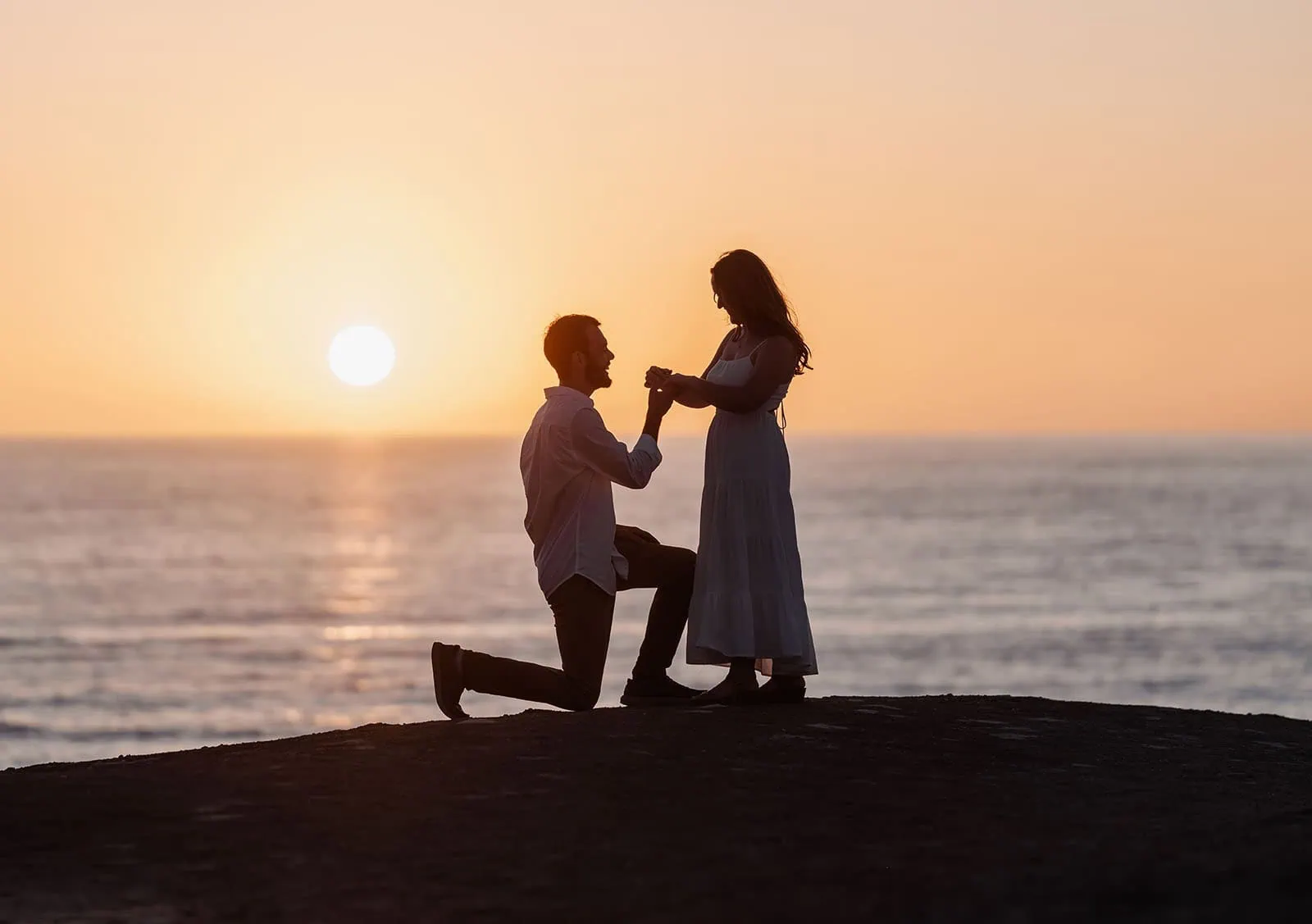
Romantic ocean proposal at sunset: a couple silhouetted against a glowing sky, capturing a timeless moment of love and commitment.
So How Early Should You Book a Wedding Photographer?
Most couples begin looking for their photographer shortly after securing a venue. This usually means 12 to 18 months before the wedding date. Popular photographers often book out over a year in advance, especially during the spring and autumn seasons when the light is soft and the vineyards are at their most stunning. By starting early, you have a wider choice of portfolios to explore, ensuring you find the right artistic approach for your day.
I always suggest couples trust their instincts while browsing. It’s not just about admiring pretty photos—it’s about feeling connected to the way a story unfolds through the images. When you discover a gallery that makes you feel like you were part of that wedding, or you know a little about the people in the photos without actually knowing them, it’s usually a sign you’ve found your match. Searching early also gives you the chance to schedule engagement sessions, which serve as a relaxed introduction to being in front of the camera before the wedding day.
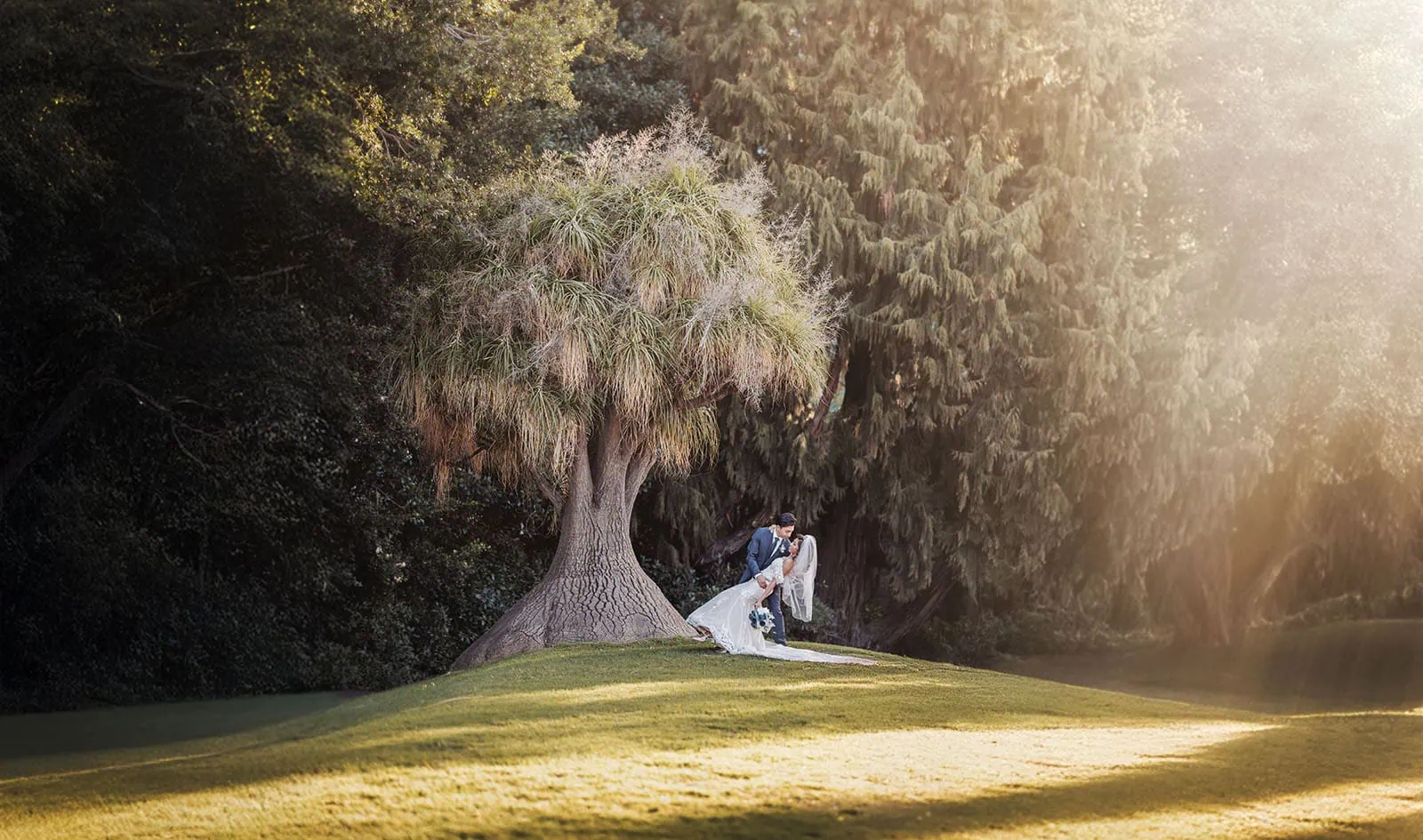
A couple in elegant wedding attire embraces beneath a majestic tree in a sunlit, tranquil setting.
Booking Strategies for Peak vs. Off-Season Weddings
Adelaide’s peak wedding season falls between September and April, when the weather is warm, the vineyards glow, and the sunsets stretch into the evening. During these months, demand is fierce, so photographers’ calendars fill quickly. For peak season weddings, I recommend booking at least 12 to 18 months ahead to secure your preferred professional. This approach reduces the risk of disappointment and provides time for personalised planning sessions.
Off-season weddings, often between May and August, offer a little more breathing room. While the cooler months are less popular, they can create moody, romantic atmospheres perfect for couples who love soft light and cozy venues. Booking 6 to 9 months in advance is usually sufficient, though many couples still choose to lock in earlier just to feel settled. Off-season dates sometimes come with added flexibility, and you might even have the chance to secure shorter packages if your plans are more intimate.
For Darwin Wedding photography, or any weddings in the northern hemisphere of course the wedding season is reversed so May to July would be the peak season.

A couple embraces tenderly in a sunlit, natural setting, surrounded by warm hues and serene beauty.
How Early to Book Travel-Friendly Photography Services
Destination weddings or celebrations outside Adelaide’s city limits bring a unique layer of planning. If you’re dreaming of saying your vows in Darwin, Hobart, or a rustic corner of the Adelaide Hills, photographers who specialise in travel often require more notice. Securing services 18 months in advance is ideal, as it allows time for travel logistics, scouting locations, and arranging accommodation. These details matter, because they ensure your photographer is fully prepared to document your day seamlessly.
Couples planning a wedding interstate or overseas benefit greatly from early bookings. It not only secures the date but also provides plenty of opportunity for video calls, mood board discussions, and site walkthroughs if possible. Travel-friendly photographers often juggle busy schedules, so giving them extra time ensures they can dedicate themselves fully to your celebration. For couples who value adventure and want their story captured against breathtaking backdrops, forward planning guarantees everything flows without stress.
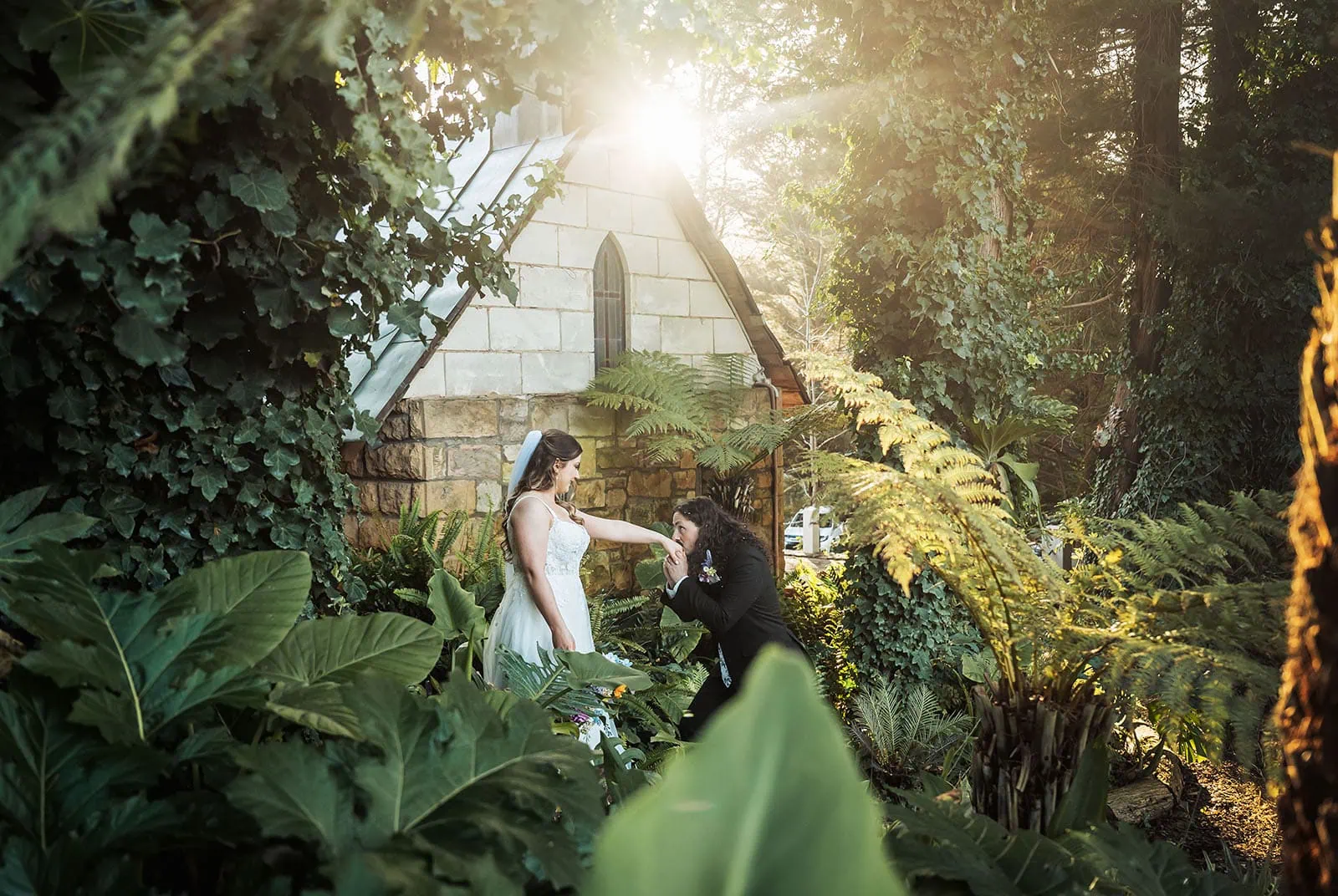
Bride in lace gown illuminated by golden sunlight as groom kneels to kiss her hand in a lush garden next to a rustic chapel.
Conclusion
So How Early Should You Book a Wedding Photographer? It’s not a detail to leave until the last minute. In Adelaide, where the demand is strong and venues book up quickly, securing your chosen professional well in advance ensures your memories are captured the way you envision. Peak seasons often require 12 to 18 months’ notice, while off-season weddings offer more flexibility but still benefit from early planning. Travel-friendly services need even more preparation, giving your photographer time to bring their creativity and expertise to new surroundings.
Whether your celebration takes place beneath fairy lights in the Adelaide Hills, on the sands of Port Willunga, or in a grand ballroom in the city, having your photographer locked in early guarantees your story is captured beautifully. The investment of time in booking ahead brings peace of mind, more opportunities for collaboration, and the reassurance that your wedding day will be preserved in photographs you’ll treasure forever.
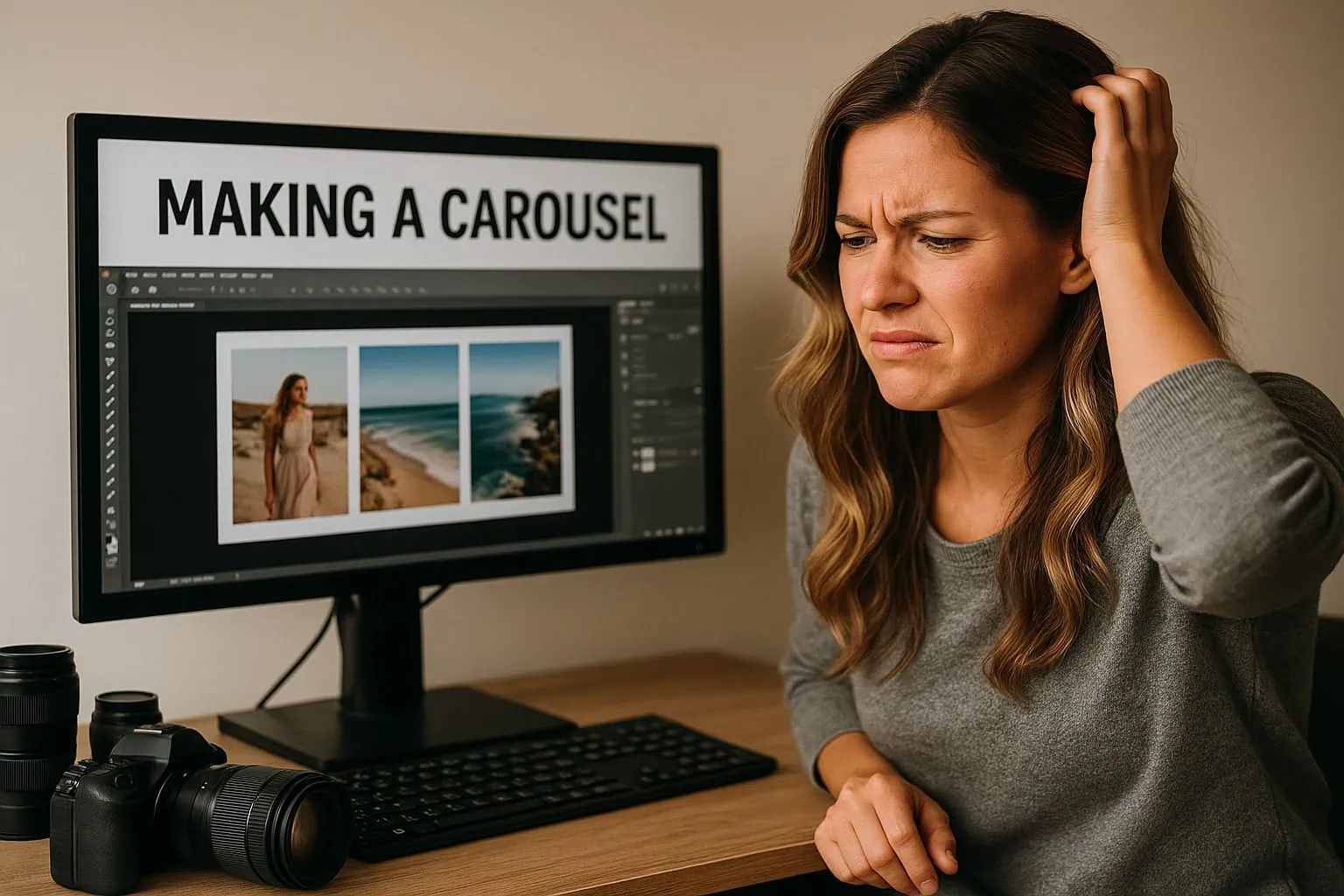
As photographers, we pour our energy into creating beautiful images, not wrestling with complicated software. Yet, when it comes to sharing our work on Instagram, many of us end up spending far too much time trying to format carousels. That’s exactly why a straightforward Instagram carousel maker—like the SICC app—makes all the difference.
The Problem with Existing Tools
If you’ve ever tried to create a carousel in Photoshop or Canva, you’ll know the frustration. Photoshop offers endless possibilities but feels heavy-handed for something as simple as splitting an image into a few swipeable frames. Canva is more user-friendly, but it’s built with general design in mind, not specifically for photographers. Both options can feel clunky when you just want to drop in a collage of images and get a clean, seamless carousel out the other side.
Most of us don’t want layers upon layers of templates or design menus. We want speed and precision. When inspiration strikes or when a client is waiting to see their sneak peeks, time spent fiddling with layout tools is time wasted.
Photographer navigates design challenges, creating a seaside carousel on her computer in a cozy home office.
Why a Simple Instagram Carousel Was Needed
A good Instagram carousel maker should be as simple as:
Choose your images.
Arrange them into a collage or flow.
Split them automatically into cohesive carousel posts.
That’s it. No overthinking, no complicated exporting, no mismatched edges that ruin the swipe effect. For photographers, this simplicity means you can showcase your work in a way that feels natural and polished without needing to be a designer as well.
The swipe-through format is powerful for storytelling. A wedding album becomes a flowing journey across frames. A portrait session feels immersive as viewers swipe from one detail to the next. A landscape spread looks breathtaking when stretched seamlessly across multiple posts. All of this can be achieved with a tool designed to do one thing—and do it well.
That’s the thinking behind the SICC app we developed. Thats the ‘SvenStudoos Instagram Carousel Composer’ for shot :). It’s not about replacing Photoshop or competing with Canva or apps like SCRL—it’s about filling the gap between overly complex design software and the needs of working photographers.
SICC was created first and foremost as a tool to help photographers—completely free. It’s not perfect, and it’s not packed with every feature under the sun, but what it does, it does well. The whole point is to keep things simple and fuss-free. You drop in your shots, compose your collage, and let the app handle the splitting with pixel-perfect precision.
There’s no need to second-guess whether the edges will align or whether Instagram’s compression will mess things up. It just works. And because it’s free, it’s accessible to anyone who wants to share their work in a seamless way without adding extra costs or learning curves.
This means you can spend more time shooting, editing, and connecting with your audience rather than tinkering with clumsy tools. It’s a photographer-first approach to carousel creation, and that’s why it resonates so strongly with anyone who has struggled to make their work shine on Instagram without wasting hours in the process.
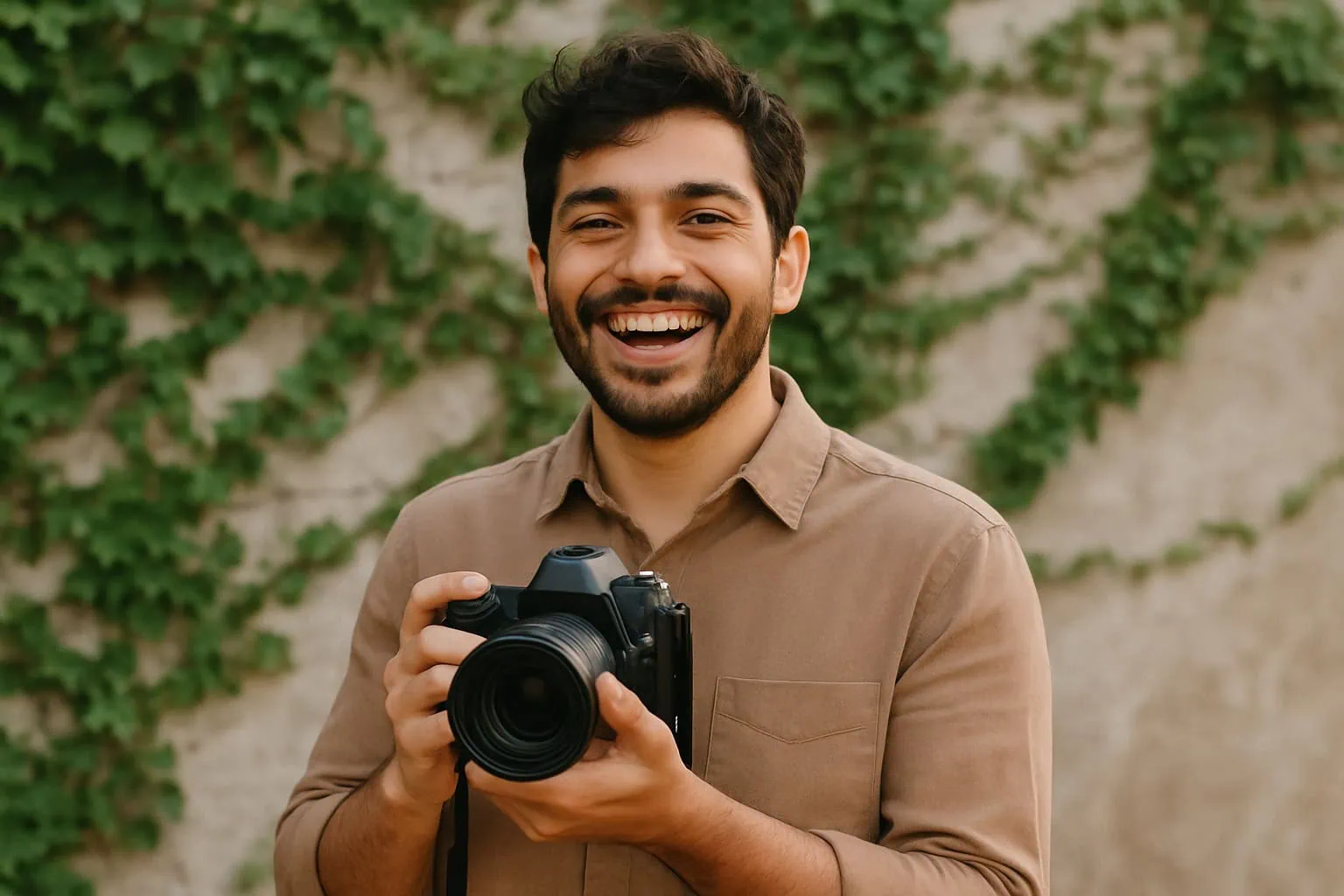
With the SICC Instagram Carousel Maker you can look as happy as the AI Slop Photographer you see below.
Joyful photographer captures moments in a lush, ivy-filled park, showcasing his passion with a professional DSLR.
Why Photographers Should Care
Photographers don’t just post for fun—we post for visibility, for client attraction, and for building our brand. An effective carousel is one of the best ways to stand out on Instagram’s grid. It stops the scroll. It makes people swipe. It tells a visual story.
And when creating those carousels is frictionless, it’s easier to share consistently. More posts mean more engagement, more visibility, and more opportunities to attract the next booking.
For photographers who want to focus on their craft, a tool like SICC isn’t just convenient—it’s essential. A simple, reliable Instagram carousel maker is the missing piece that helps turn your best images into content that feels professional and effortless.
Building on the success of our SICC Instagram Carousel Composer, we’ve now expanded the toolkit with a brand-new Reel Creator app — designed for photographers who want to turn their stills or short clips into polished vertical videos without ever leaving their desktop. Think of it as a free CapCut alternative, purpose-built for simplicity and speed. No watermarks, no subscriptions, no exporting headaches — just drag in your images, set your timings, and create an engaging reel in moments. It’s all handled locally in your browser, keeping your files private and your workflow smooth. We’re continuing our mission to empower creators with PC-based, cost-free tools that let your art shine without relying on mobile apps or paywalls.
As a modern photographer, I’m always searching for ways to showcase my images in formats that feel effortless and engaging. Instagram carousels are one of the best ways to tell a story with static photos without resorting to reels; each swipe reveals the next moment, building a narrative across frames. Naturally, I went looking for a tool to create these scrolling layouts and came across SCRL, the app so many people use.
But SCRL, while clever, is designed with phones in mind. As someone who works on a computer with high-resolution images, moving files back and forth to my phone just wasn’t practical. I wanted a desktop-friendly tool that respected my workflow. I needed a SCRL alternative that was simple, accessible, and free from the fiddly roadblocks that slowed me down.
I tried Canva and Photoshop, both of which technically get the job done. Photoshop has incredible depth, but it’s heavy-handed and complex for something as straightforward as a carousel. Canva is easy to use but is built more for general design than for photographers who want precision and flow. Both options felt time-consuming when all I wanted was a fast, no-fuss solution.
It struck me that what was missing wasn’t another design suite—it was a focused tool. Something lightweight, made with photographers in mind, and quick enough to fit seamlessly into a busy editing workflow. That’s when I decided to stop searching and start building my own SCRL alternative.
Photographer navigates design challenges, creating a seaside carousel on her computer in a cozy home office.
Introducing the SICC App: A Free SCRL Alternative
That’s how the SICC app was born—short for SvenStudios Instagram Carousel Composer. SICC is my answer to carousel chaos: a completely free, browser-based SCRL alternative for creating Instagram carousels.
If you’re looking for a free alternative to the SCRL app, SICC is completely free to use. I created it as a photographer for photographers, so you can build carousels in your browser without moving high-resolution images to your phone.
With SICC, you can import your images directly in your browser, arrange them into your chosen template, and export a ready-to-post Instagram carousel. Because it’s entirely browser-based, nothing ever gets uploaded to a server. Your images stay private, safe, and secure on your own device. The app focuses on doing one job well: building carousels with zero hassle.
If you’re hunting for a SCRL alternative, here’s why SICC might be exactly what you’ve been looking for:
It’s free: No subscriptions, no hidden fees—just a tool designed to help.
Desktop ready: Perfect for photographers who prefer working with images on a computer.
Privacy-focused: Images never leave your browser, so your work stays completely private.
Made by a photographer: It’s designed with real-world workflows in mind.
It’s worth noting that SICC doesn’t try to be everything. It isn’t packed with flashy animations or layered effects like SCRL, and I couldn’t even get in-app cropping to work right. But if you want a simple, reliable tool that gets you from images to carousel without the fuss, SICC is a fantastic free alternative.
Collage maker interface featuring formal event photos in grayscale and color, showcasing a man in elegant settings.
Built to Make Life Easier
I didn’t set out to compete with SCRL—I just wanted something that worked for me as a photographer. Building SICC was about streamlining the process, cutting out distractions, and giving photographers an easy way to share their work. That’s why it’s free: I built it because I know how much time and energy these small frustrations can steal from the creative process.
SICC may be a modest tool, but it’s one that makes a big difference. If you’ve been frustrated by the limitations of SCRL or overwhelmed by the complexity of design programs, this free SCRL alternative is here to make your life easier.
We’ve also been busy building a new tool tailor-made for storytellers: this Reel Creator app. Just like SICC revolutionises how photographers build Instagram carousels, Reel Creator makes crafting short vertical video reels out of photos effortless. You can upload your clips or images directly in your browser, arrange transitions and durations with intuitive controls, and export a ready-to-post reel — all without ever needing to install heavy software or sacrifice quality. Privacy is baked in: none of your media leaves your device, and there’s no hidden cost. Whether you’re a photographer, content creator, or just someone who loves telling stories, Reel Creator is here to streamline your workflow and make reel creation fast, fun, and frictionless.
Planning your wedding in Adelaide and thinking about how to capture every magical moment? Hiring a wedding content creator alongside your photographer and videographer is one way to ensure your day is well-documented, but what if there’s another, more personal option?
Imagine turning your guests into content creators, empowering them to capture the heart of your day while also giving them a fun, interactive way to take part in the celebration.
With Happlee QR, your guests can do far more than simply upload photos. Using one simple wedding QR code, they can share candid photos and videos, leave messages, take part in live polls, play couple trivia, view seating information and interact with your wedding throughout the day.
For couples who want a simpler photo-only option, SelfBooth is still a fantastic way to collect guest photos and videos. But if you want your wedding QR code to feel like part of the entertainment rather than just a photo upload link, Happlee QR is the more complete experience.
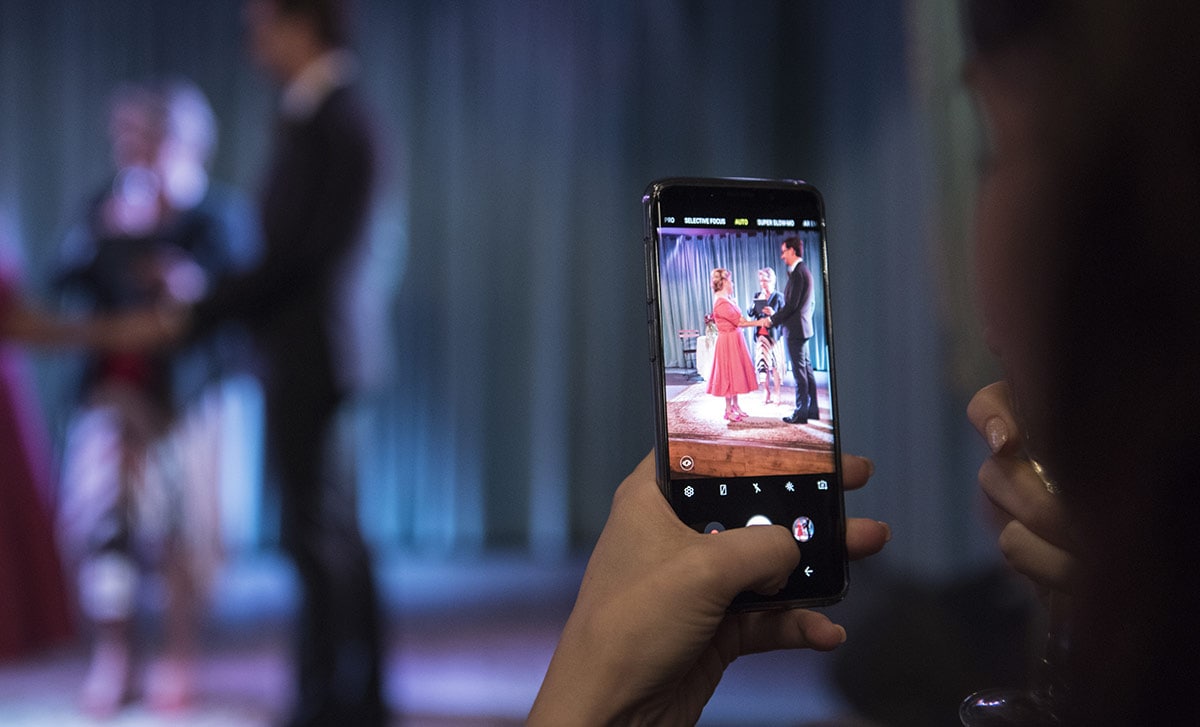
Mobile phone
Why Choose Your Guests Over a Wedding Content Creator?
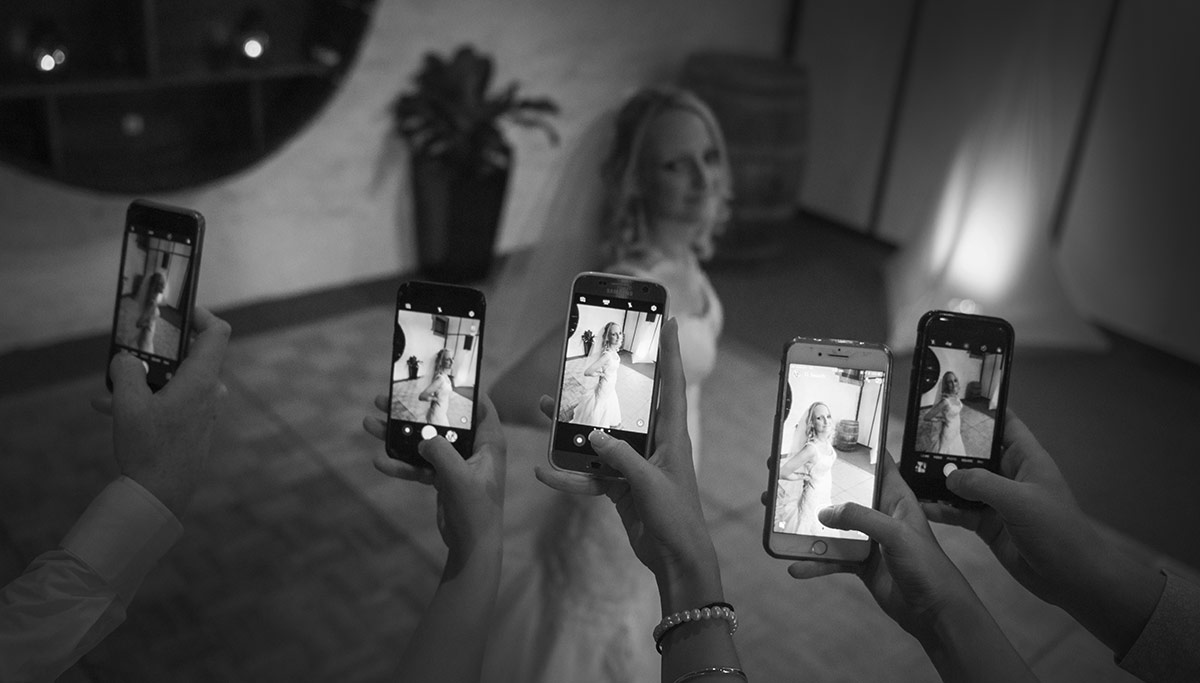
Adelaide couples looking for an alternative to hiring a professional wedding content creator can find a perfect solution in their own guest list. Your loved ones already have their smartphones in hand, capturing heartfelt laughs, spontaneous dance moves, emotional toasts and tiny in-between moments that even the best-planned content schedule might miss.
Diverse Perspectives: Guests capture the day from multiple angles, adding a rich variety of moments you might otherwise miss.
Cost-Effective: Instead of paying for an additional content creator, Happlee QR helps collect, organise and preserve guest-created memories in one place.
Interactive Fun: Guests are not just uploading photos—they can play games, vote in polls, leave messages and feel genuinely involved in the celebration.
More Natural Moments: Guest-created content often feels spontaneous, funny and wonderfully unpolished in the best possible way.
Mobile phone attraction
How Happlee QR Works for Weddings in Adelaide
Happlee QR is designed for couples who want a seamless, modern and interactive way to involve their guests.
Here’s how it works:
Create Your Wedding QR Code: Happlee QR generates a unique QR code for your wedding.
Display It Around Your Venue: Place the QR code on table cards, welcome signage, menus, programs or near the bar.
Guests Scan and Join In: Guests can upload photos and videos, sign your digital guestbook, answer live polls, play couple trivia and more.
Everything Collects Together: Instead of photos, messages and games being scattered across different apps, everything lives in one wedding hub.
Enjoy the Memories Afterwards: After the wedding, you can relive the photos, videos, messages and interactions your guests contributed.
This simple setup is perfect for capturing every corner of your wedding, from Adelaide’s iconic venues to the lively dance floor.
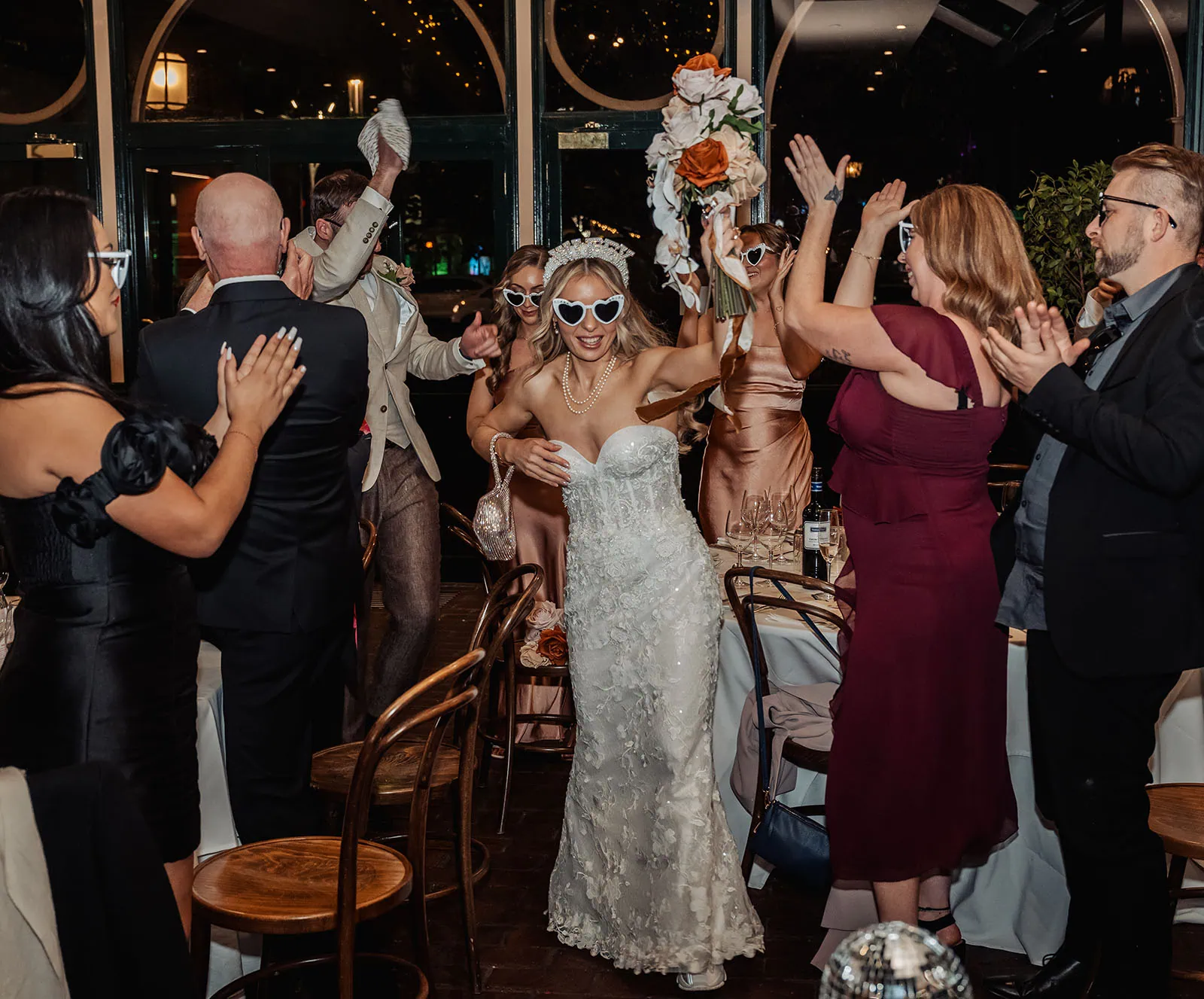
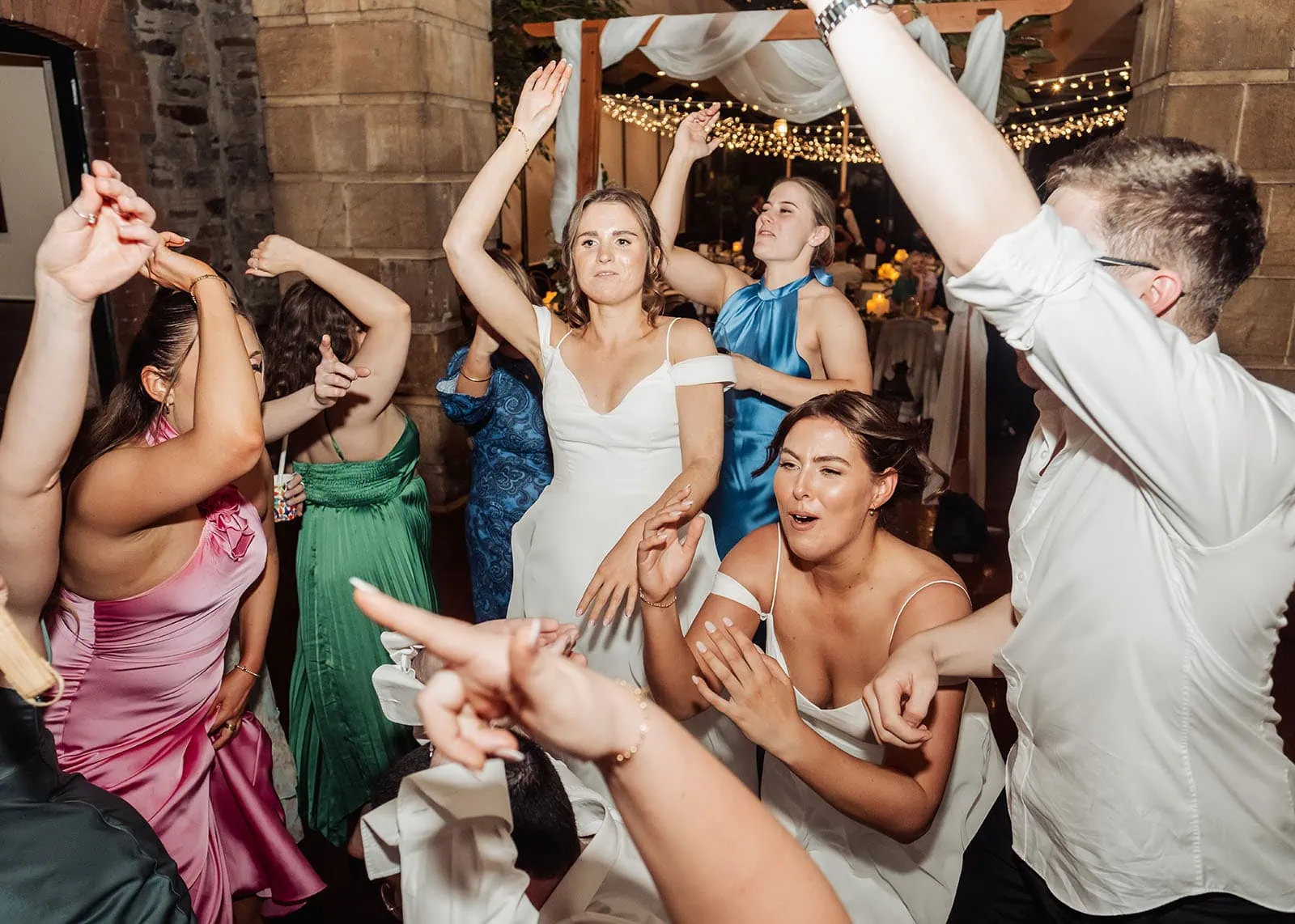
Bride leading a joyful dance at her wedding reception, surrounded by cheering guests in elegant attire.
More Than Photos: Why Happlee QR Is Different
A normal wedding photo-sharing QR code gives guests one job: upload photos.
That’s useful, but it can also be easy for guests to forget.
Happlee QR gives guests reasons to keep coming back throughout the wedding.
Depending on the features you enable, guests can:
Upload photos and videos.
Leave written guestbook messages.
Take part in live wedding polls.
Play couple trivia.
Compete on a leaderboard.
Discover hidden wedding activities.
View seating information.
Access important wedding day details.
This is where Happlee QR stands apart from a standard wedding content creator alternative. It doesn’t just collect content—it creates interaction.
Guests become part of the story rather than simply observers with phones.
Creative Photo Prompts for Your Guest-Content Creators
To keep the photos flowing, encourage your guests with creative prompts and challenges. Here are some fun ideas to inspire their snaps:
Best Dance Move of the Night
Cutest Couple on the Dance Floor
Most Creative Use of Props
Sweetest Moment with the Bride or Groom
Funniest Group Selfie
Adelaide Landmarks in the Background if your wedding is outdoors or near iconic locations like the Adelaide Botanic Garden or Glenelg Beach.
Brides lead a joyous wedding dance, surrounded by colorful guests in a historic venue.
Why Adelaide Couples Love This Approach
Adelaide offers a diverse range of stunning wedding venues, from elegant wineries in the Adelaide Hills to beachfront celebrations along the coast.
While professional photographers capture the polished, emotional and once-in-a-lifetime moments, your guests can add a layer of authenticity that truly represents the spirit of your day.
Happlee QR fits beautifully into Adelaide’s relaxed wedding scene. It gives guests something fun to do between formalities, encourages them to interact with one another and helps couples collect the little memories that may otherwise disappear into camera rolls forever.
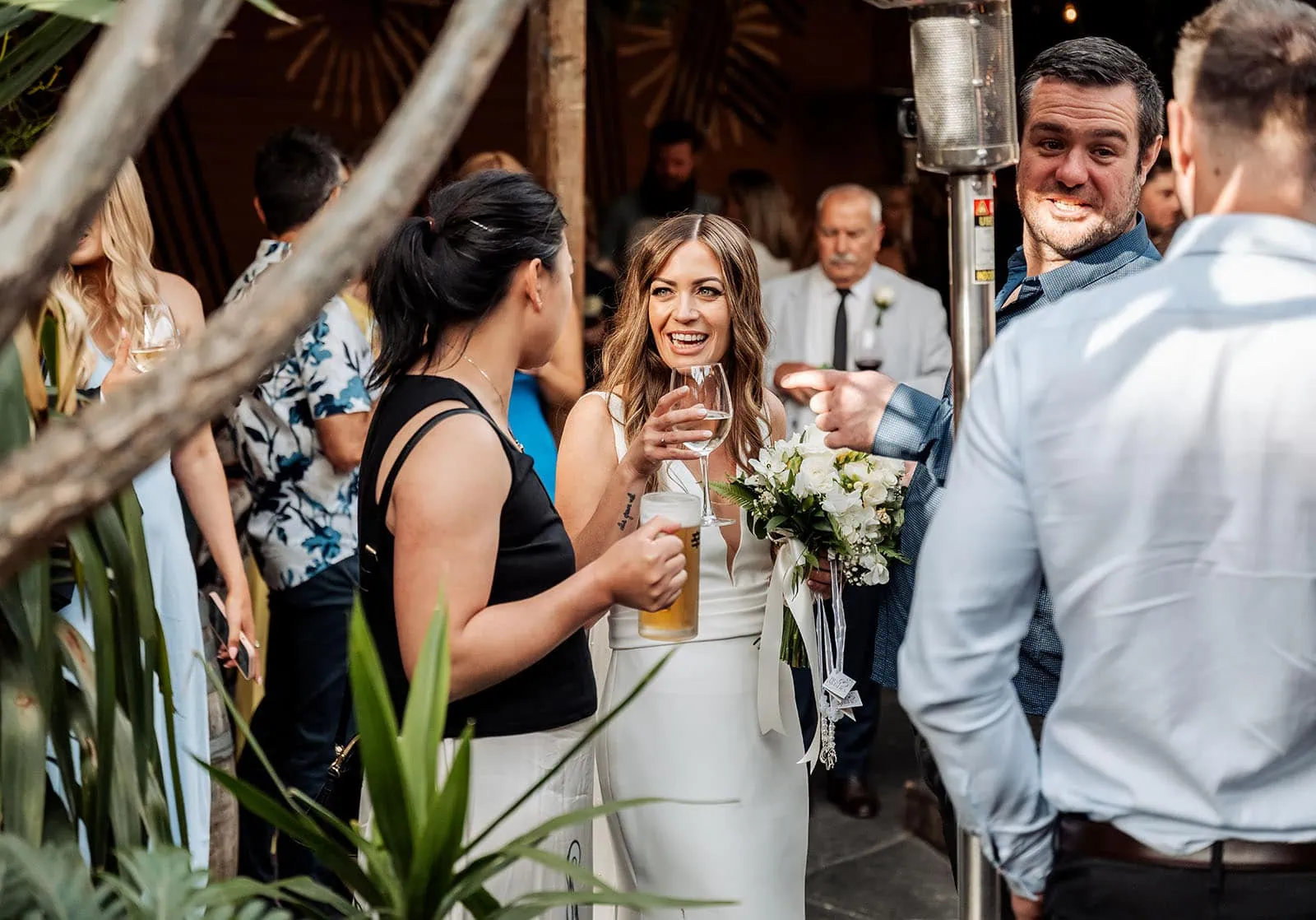
Bride shares laughter and joy with guests, capturing the essence of a warm and lively wedding celebration.
SelfBooth vs Happlee QR: Which Should You Choose?
Both SelfBooth and Happlee QR are designed to help couples collect guest-created wedding memories, but they suit slightly different needs.
SelfBooth is best if you want a simple, dedicated QR code photo and video sharing platform. Guests scan, upload and contribute to your gallery without needing an app or login.
Happlee QR is best if you want the QR code to become part of the wedding experience itself. It includes photo and video sharing, but also adds interactive features like guestbook messages, live polls, couple trivia, seating plans and guest engagement tools.
In short:
SelfBooth collects guest content.
Happlee QR collects guest content and keeps guests interacting.
For modern Adelaide weddings, that extra layer of interaction can make a big difference.
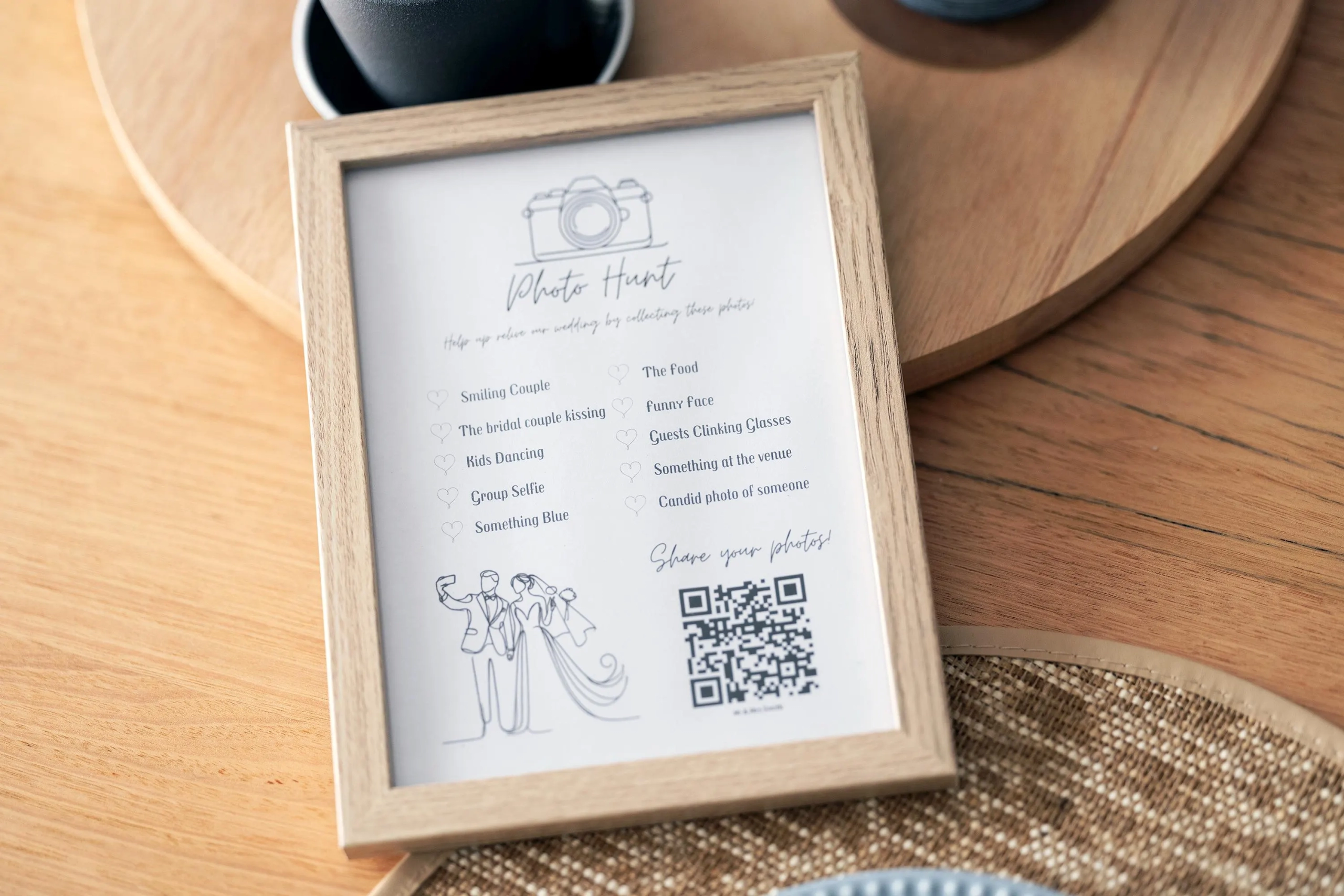
Wedding photo hunt invitation encourages guests to capture and share memorable moments using a QR code, with a list of suggested shots to photograph.
The Lasting Benefits of Guest-Driven Wedding Content
Turning your guests into content creators gives you a collection of unfiltered, genuine memories.
While a professional wedding content creator may focus on polished, social-media-ready clips, your guests will capture raw, heartfelt snapshots that reflect the true joy and energy of the day.
Happlee QR also helps solve one of the biggest problems with guest photos: actually getting them.
Instead of chasing guests after the wedding, asking people to text files or digging through social media, your memories are collected in one place as the day unfolds.
That means more candid photos, more personal messages and more little pieces of the wedding you may not have seen for yourself.
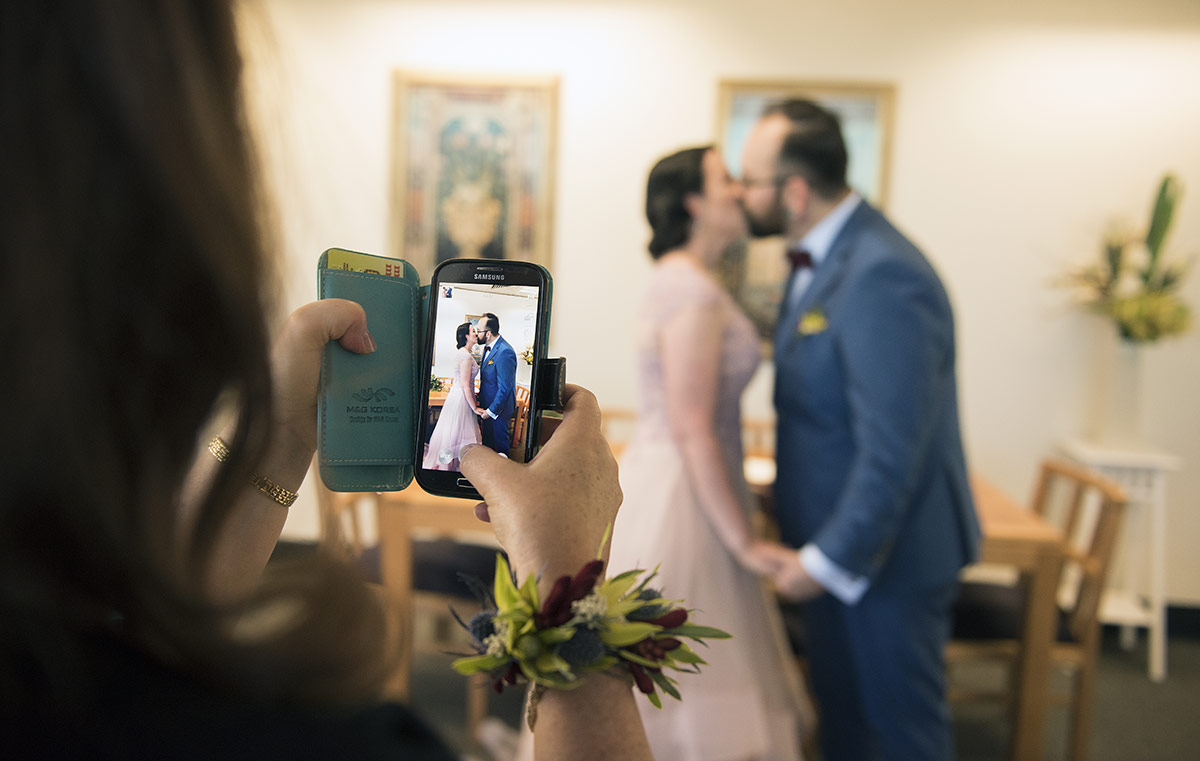
First kiss through phone
Wedding Content Creator Adelaide? This Is the Modern Wedding Content Solution
For couples planning their Adelaide wedding, Happlee QR offers a modern, budget-friendly and interactive alternative to hiring a traditional wedding content creator.
It blends simple QR code technology with genuine guest participation, creating a wedding experience that feels personal, fun and wonderfully connected.
From the Adelaide Hills’ rolling vineyards to the coastal charm of Glenelg, Happlee QR fits seamlessly into any wedding setting.
Let your guests capture the candid laughs, stolen glances, emotional hugs and spontaneous dance-offs that make your day unforgettable.
With Happlee QR, your guests don’t just watch the wedding happen.